How-to · 10 min
Start a lease group
Set up a blind and a roster for your crew, invite everyone, and turn on the calendar so nobody double-books a morning.
Before you start
- A blind or hunting spot your crew leases or hunts together for the season
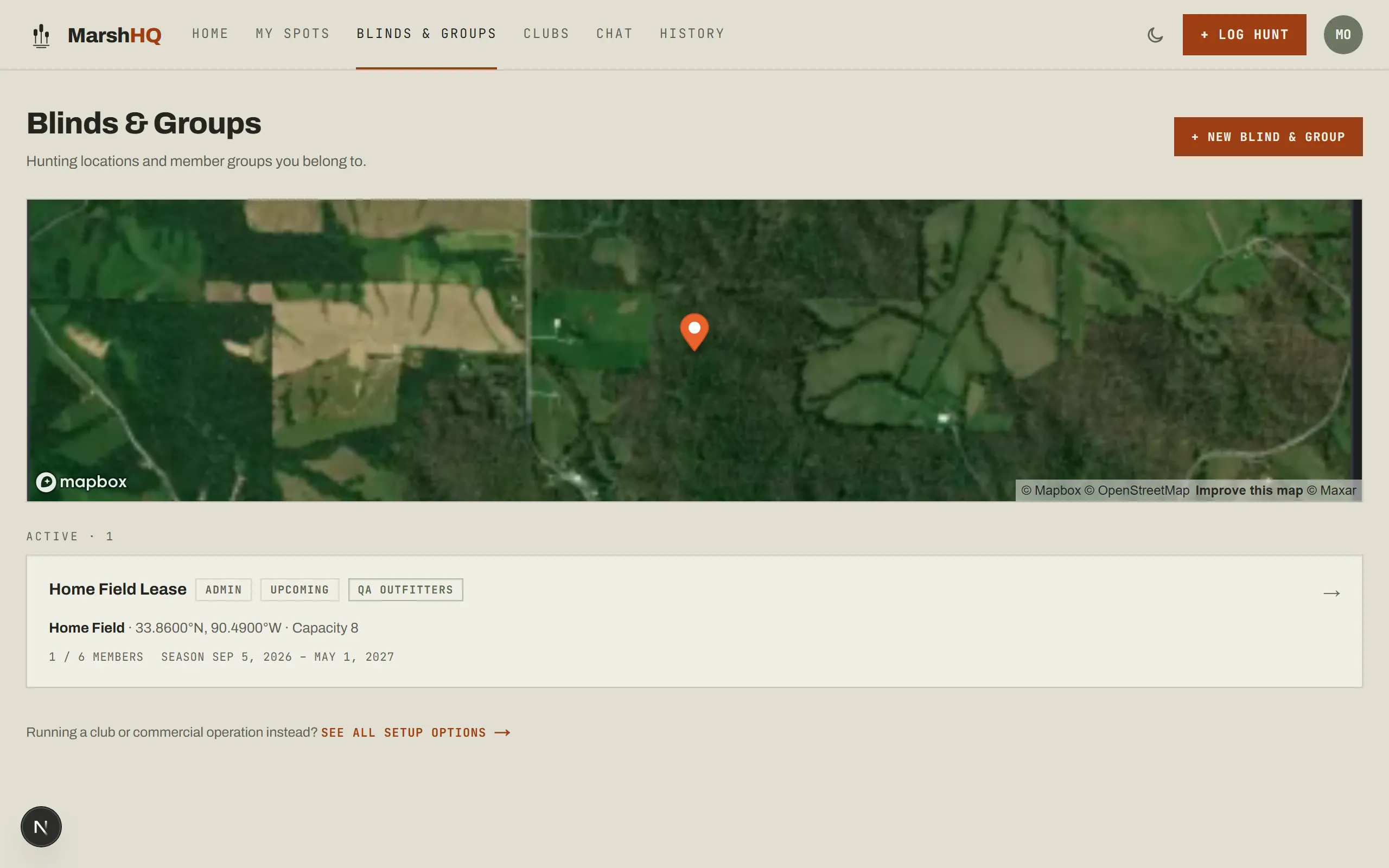
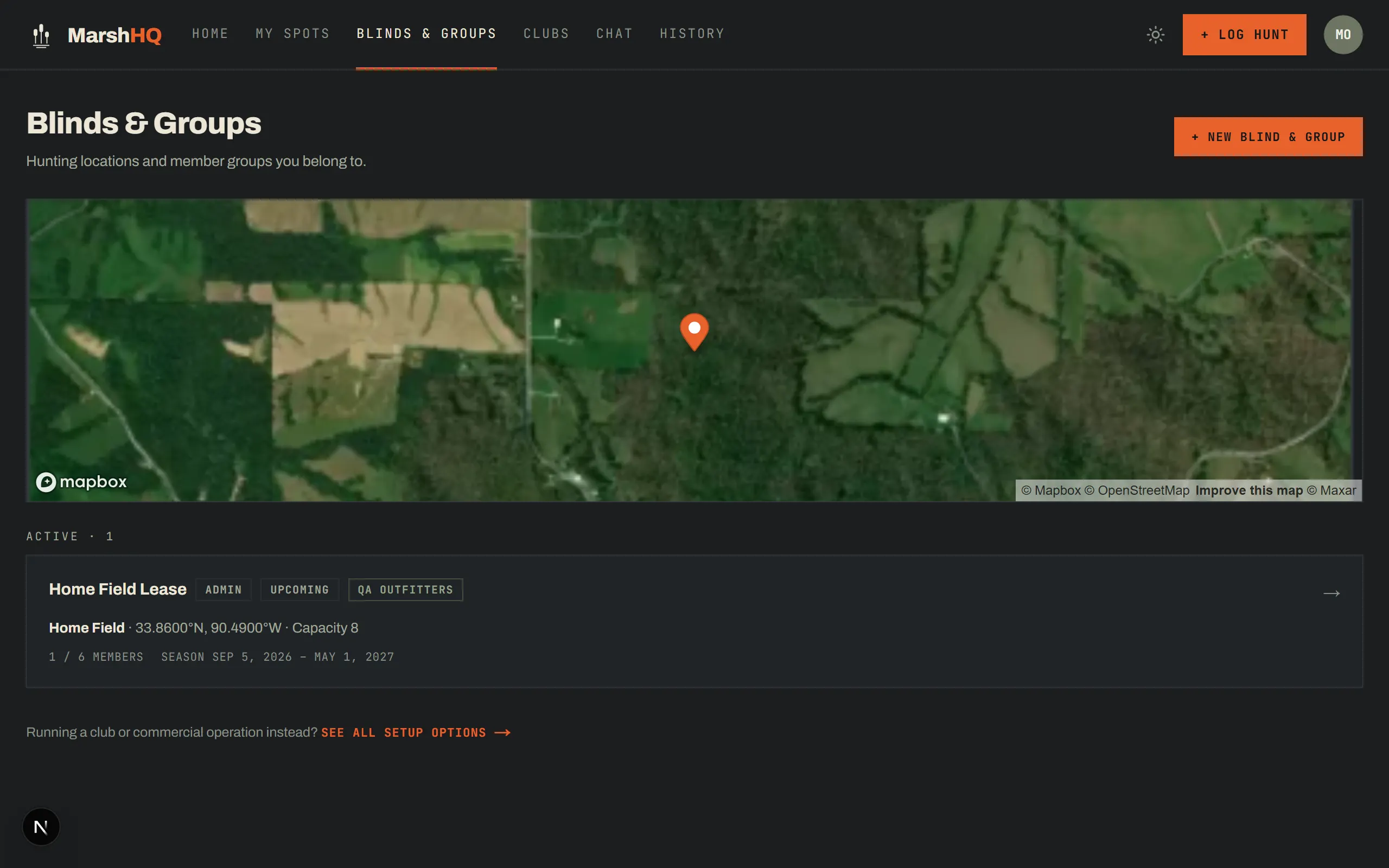
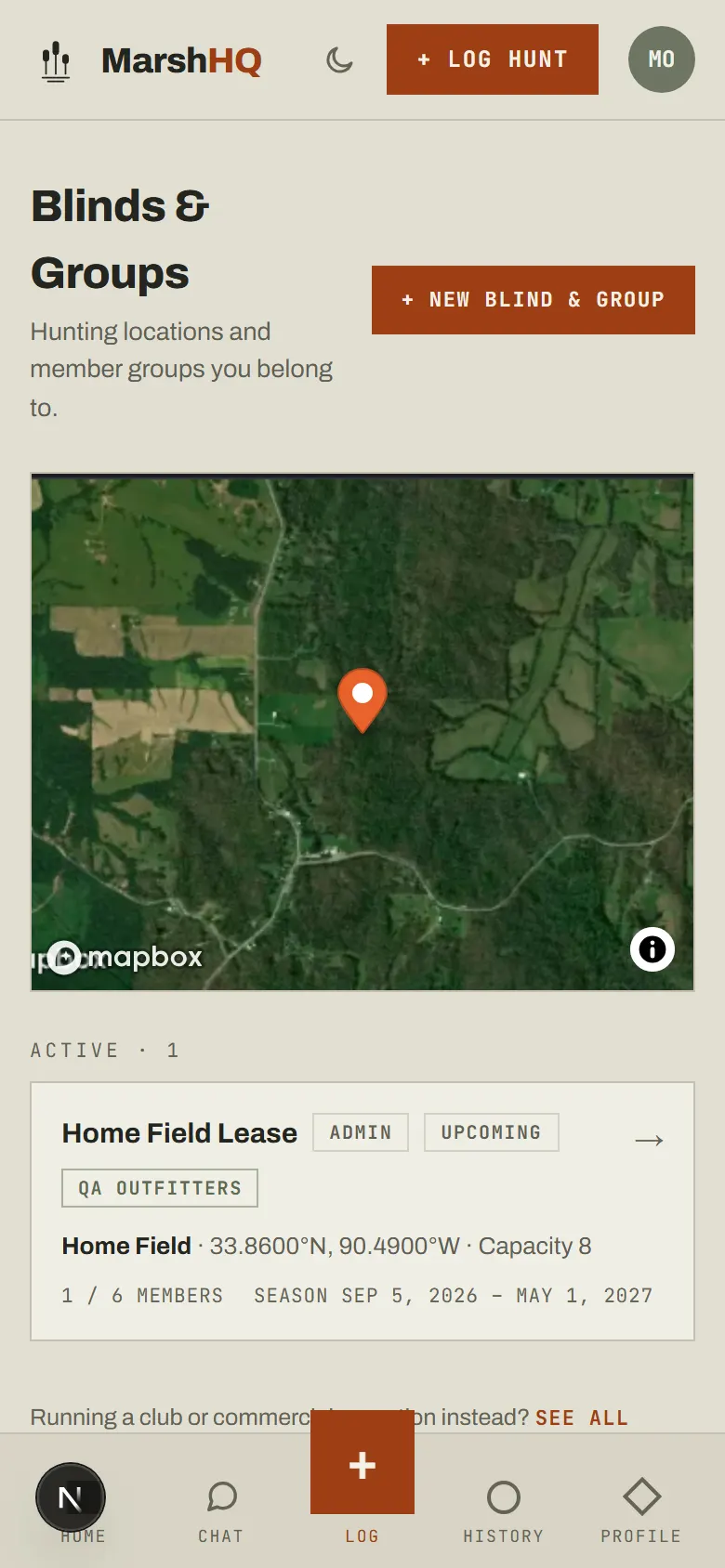
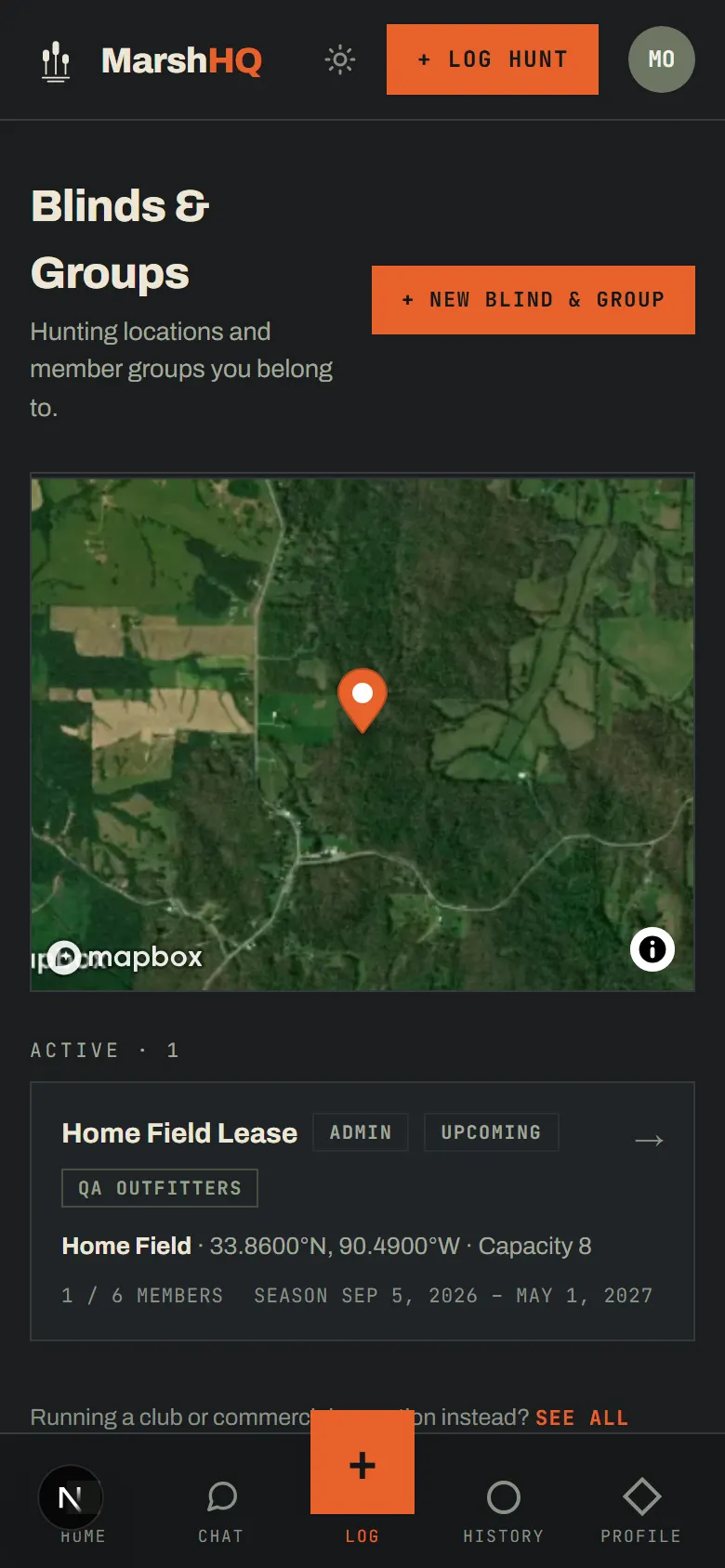
Set up your blind and group in one step
"New Blind & Group" walks through both at once: the blind’s name, type and location, then the season dates and how many members the roster holds. Running a group is a Group plan feature — it covers your first 6 members in one payment, and members themselves never pay to join.
Invite your crew
The group page has a shareable invite link — anyone who opens it can join while there’s room on the roster. You can also add a member directly by their email from the same page, no link required.
Turn on the calendar, reservations, and waitlist
Once the group is active, the schedule turns on: a monthly calendar split by morning, afternoon, or all-day periods, member reservations against the blind’s capacity, and a waitlist that offers the spot to the next person in line when a reservation opens up.
Keep it fair
The fair-use tracker compares days hunted per member against the group average, updating as each hunt is logged — it’s there so a shared blind stays shared, without anyone having to keep score by hand.