For lease groups
Your lease, scheduled. Your season, logged.
A lease group is hunters sharing one blind for the season and splitting the days fairly — a crew, not a business. Whoever sets it up runs a real calendar for the roster: reservations, a waitlist, fair-use tracking, and invites for everyone who hunts there. Logging stays live at the blind, with birds attributed to each shooter as they’re taken.
Running hunting as a business instead — member packages, paid day hunts, guides on the clock? That’s a club, a different mode of the same platform. See For Clubs.
Set up once
One form sets up the blind and the roster
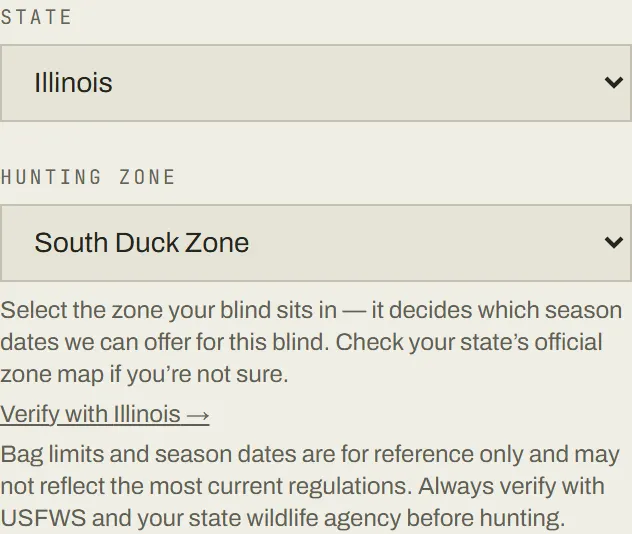
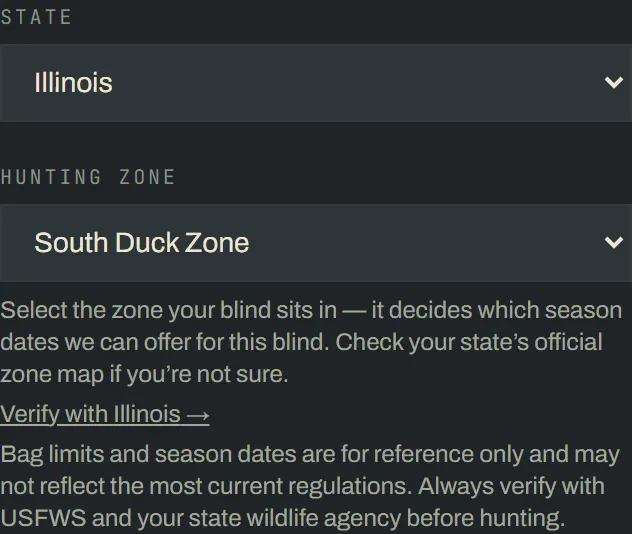
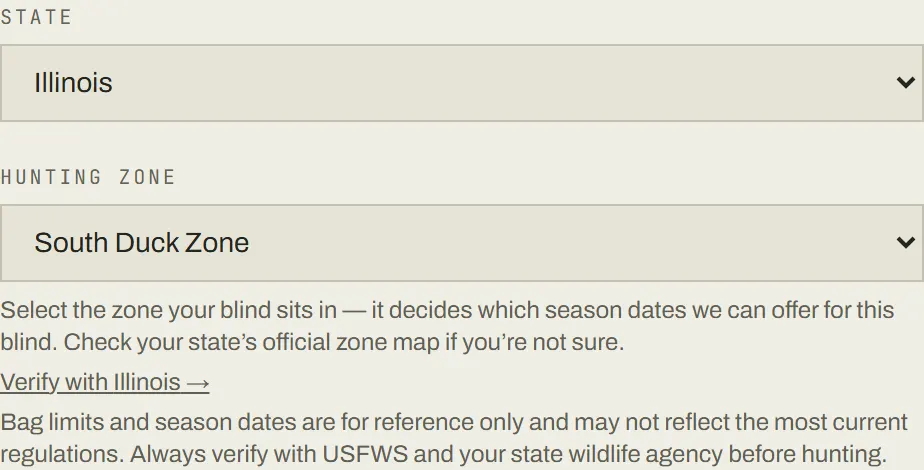
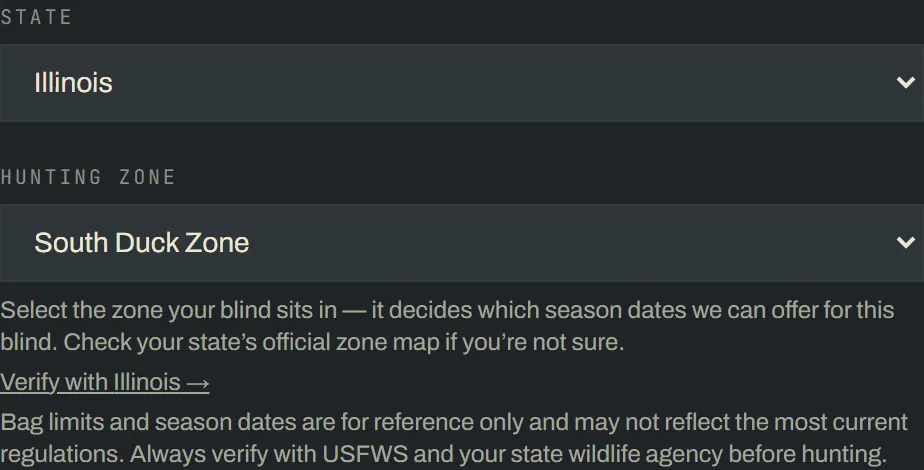
“New Blind & Group” walks through both at once: the blind’s name, type and location, then the season dates and how many members the roster holds. Dropping the pin sets the state; pick the hunting zone if there is one. Once both are set, the group page offers a one-tap “Load [state] [zone] seasons” button that fills the calendar from verified regulation data for you to review — nothing changes until you save it. Seasons can run as several named stretches with their own dates, not just one block, for a lease split across early and late segments.
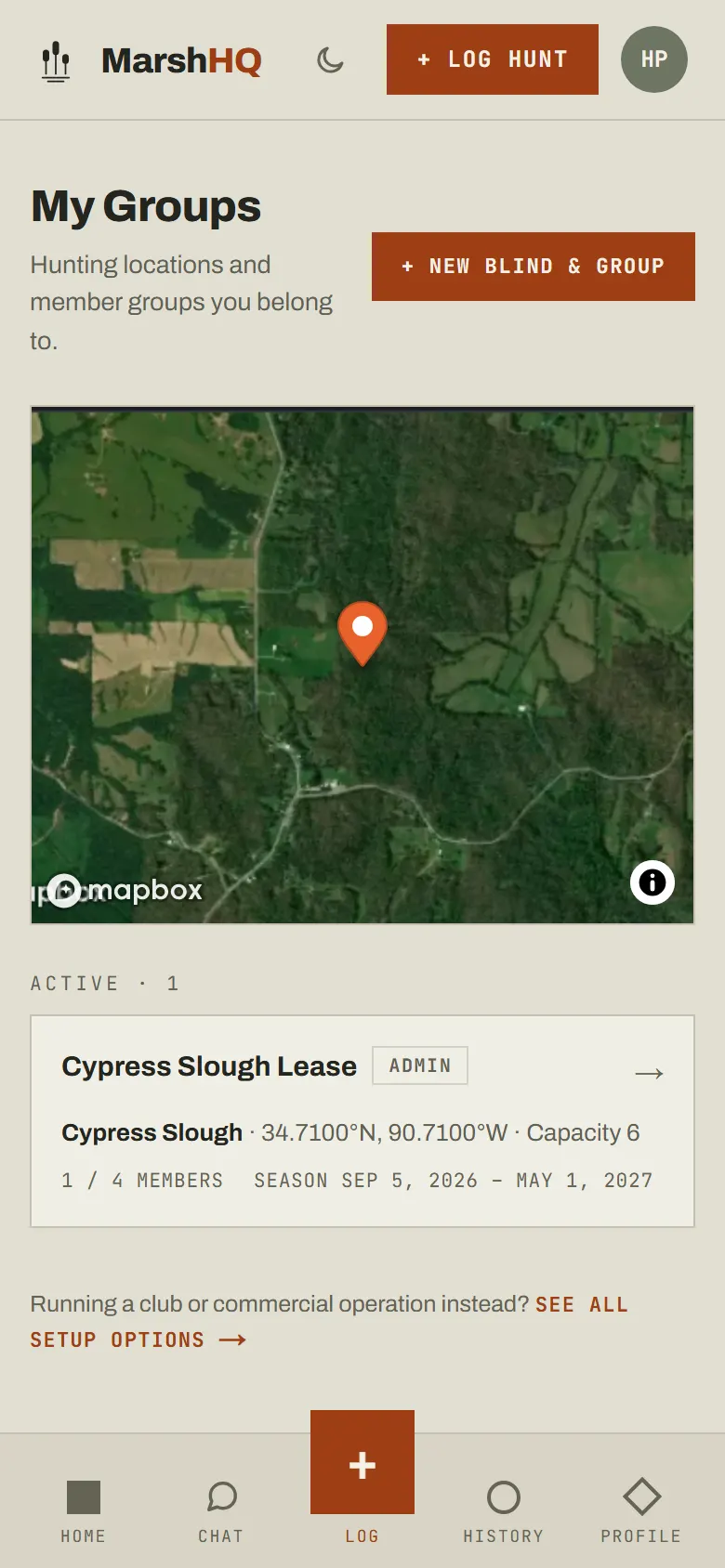
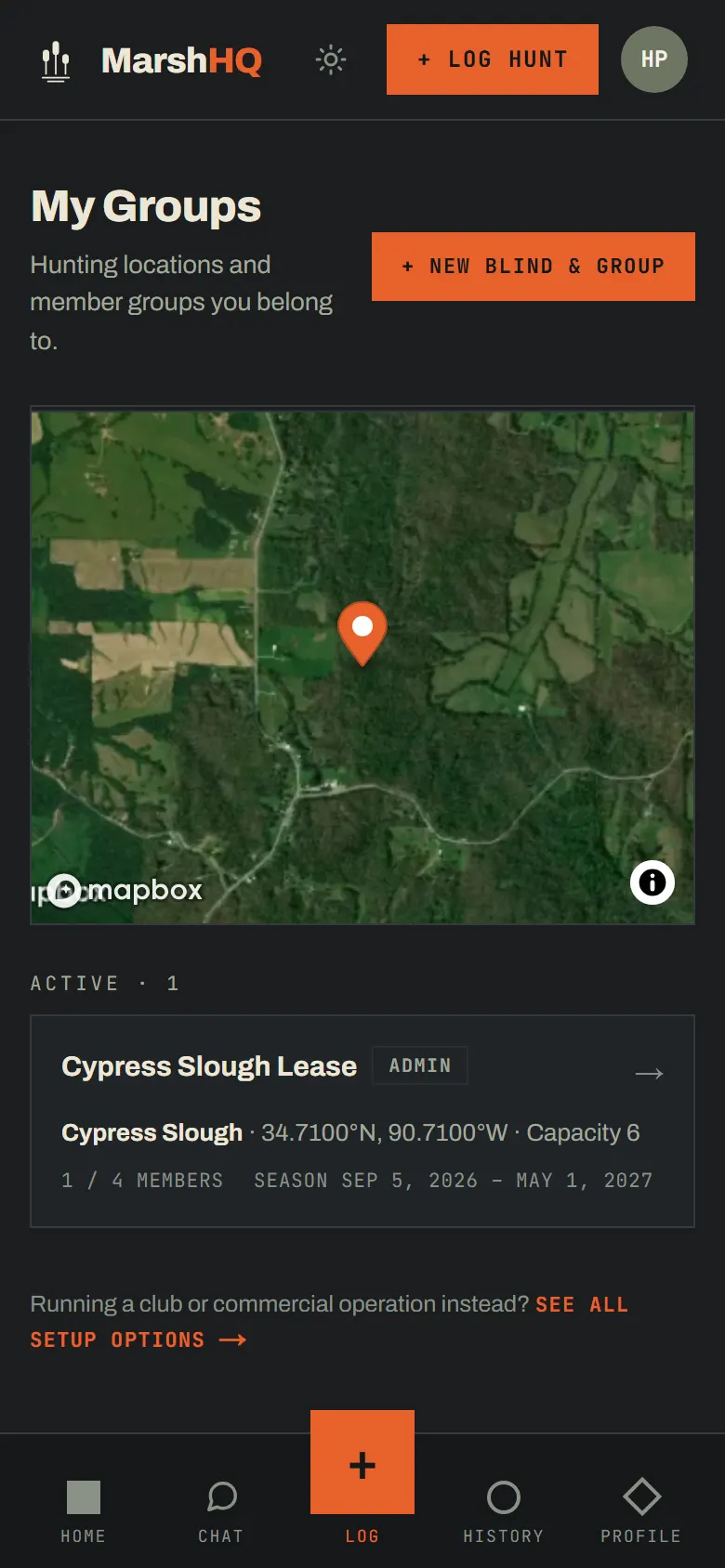
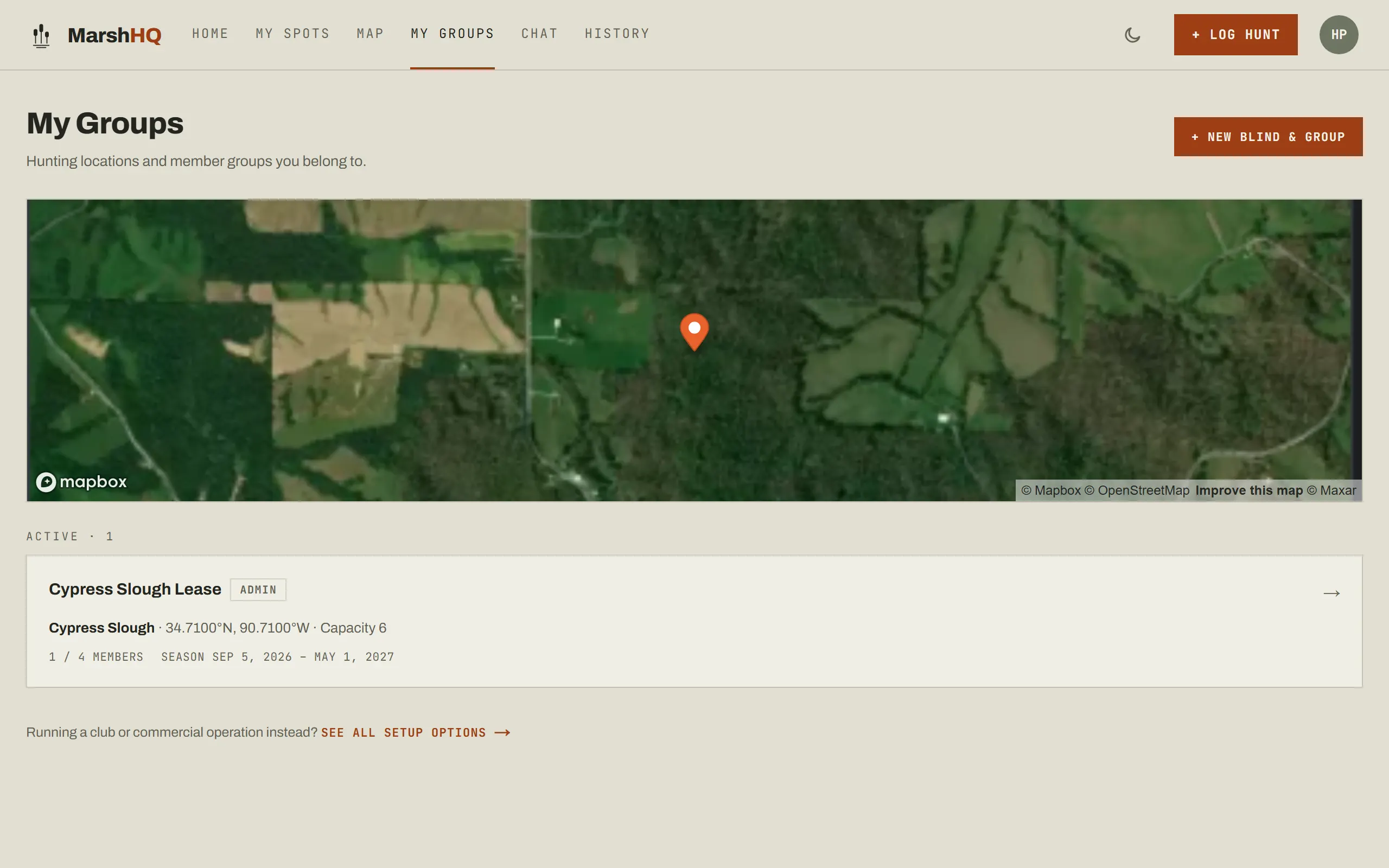
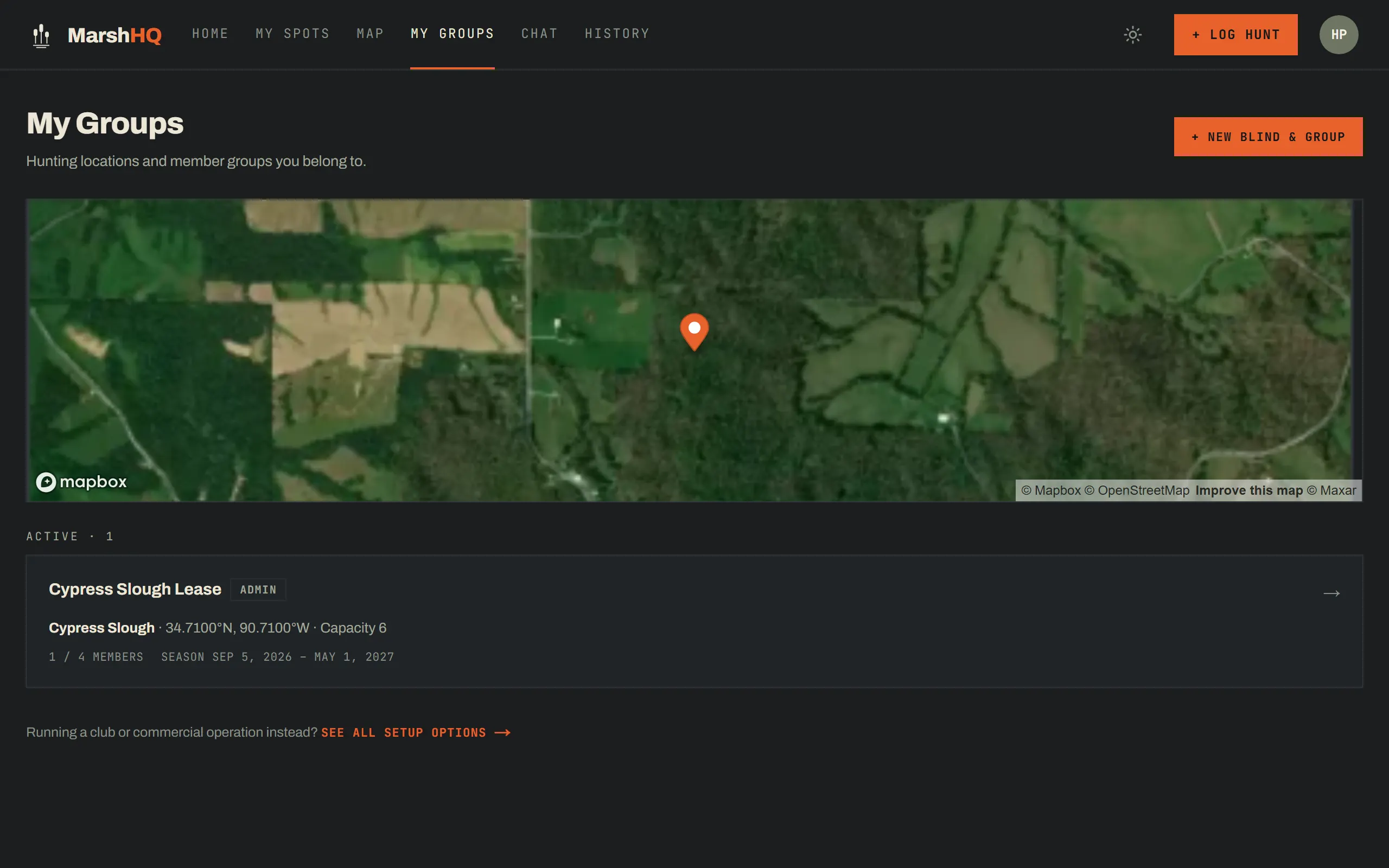
The state from the pin and the zone you pick are also what the one-tap seasons loader keys on — picking the wrong zone offers the wrong reference dates, which is why the picker shows a “Verify with [state]” link straight to the source.
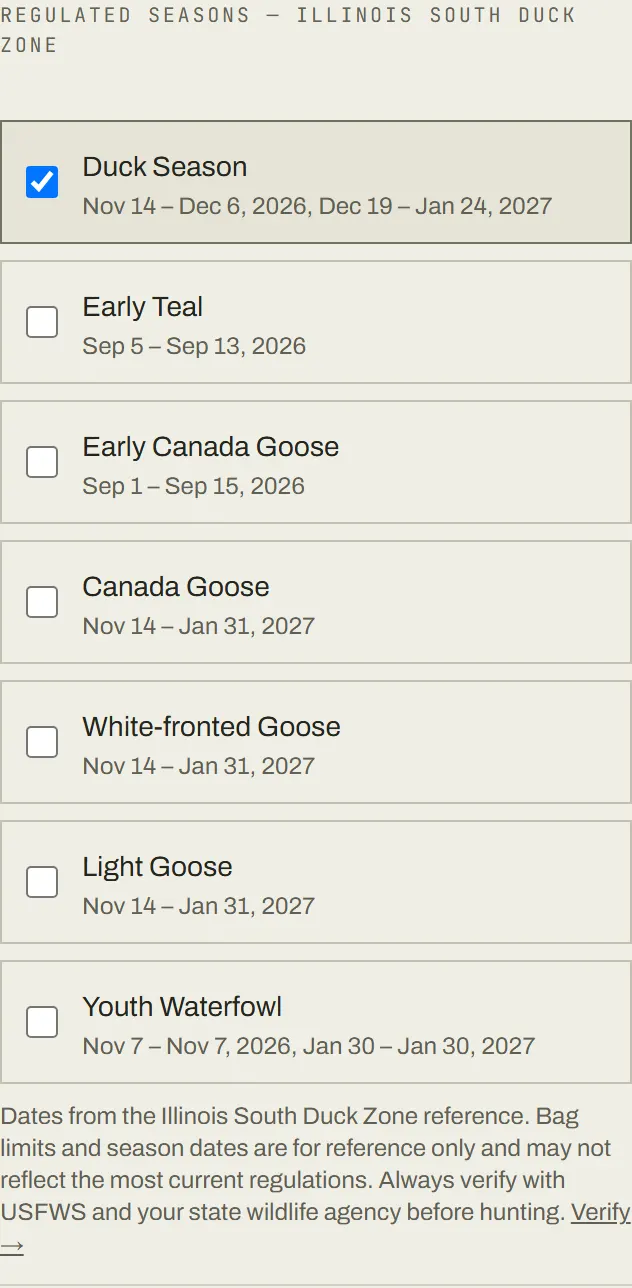
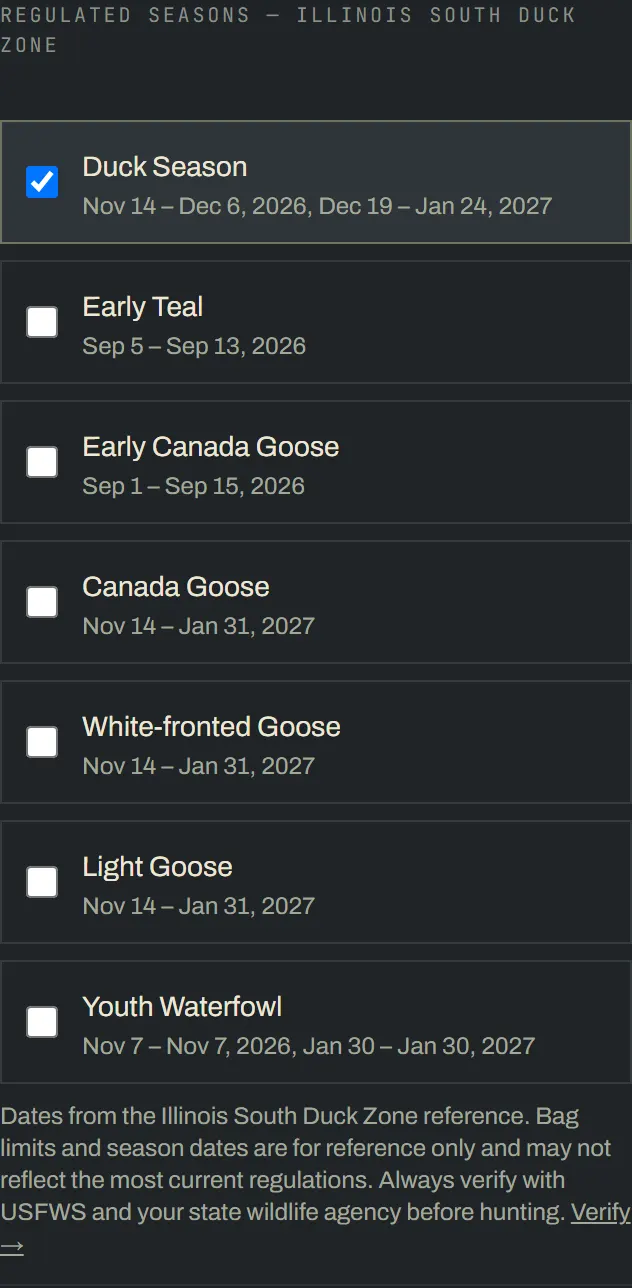
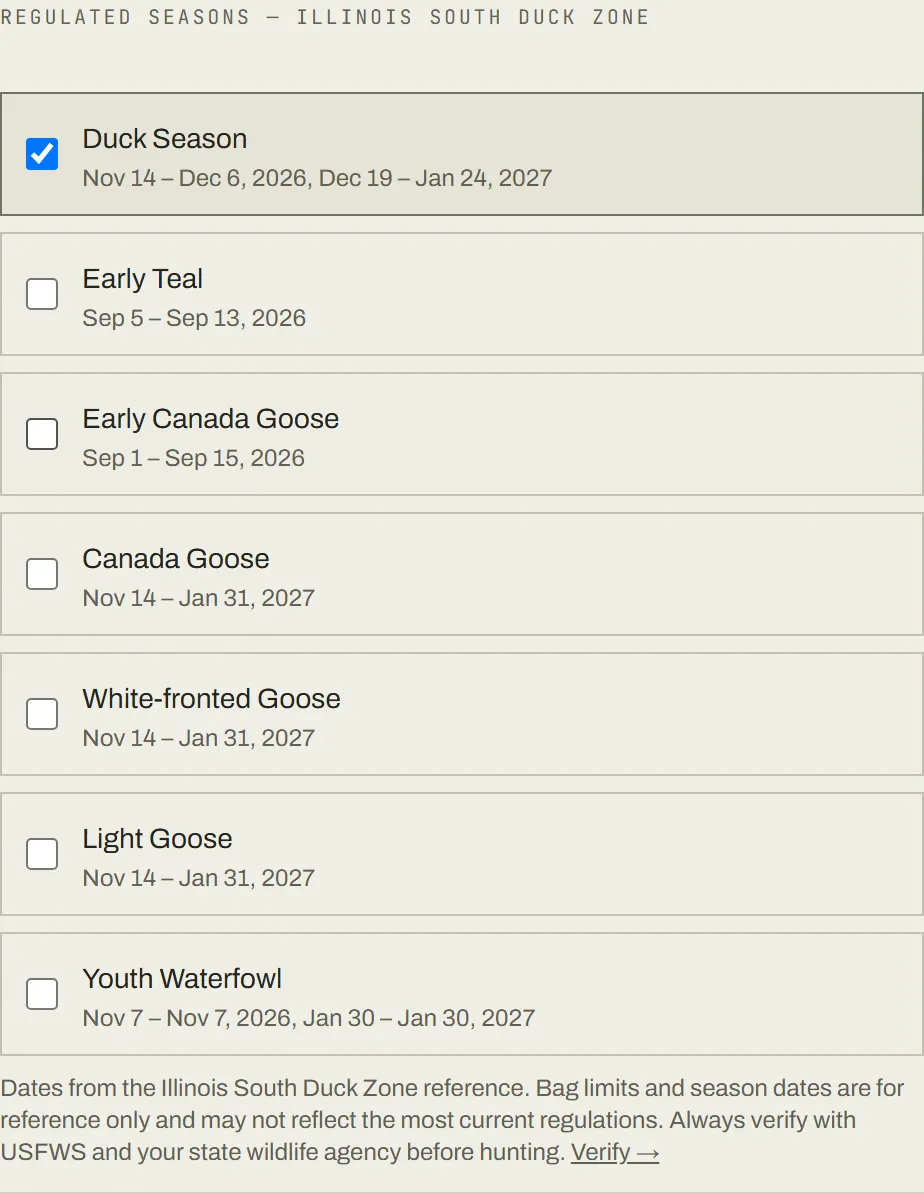
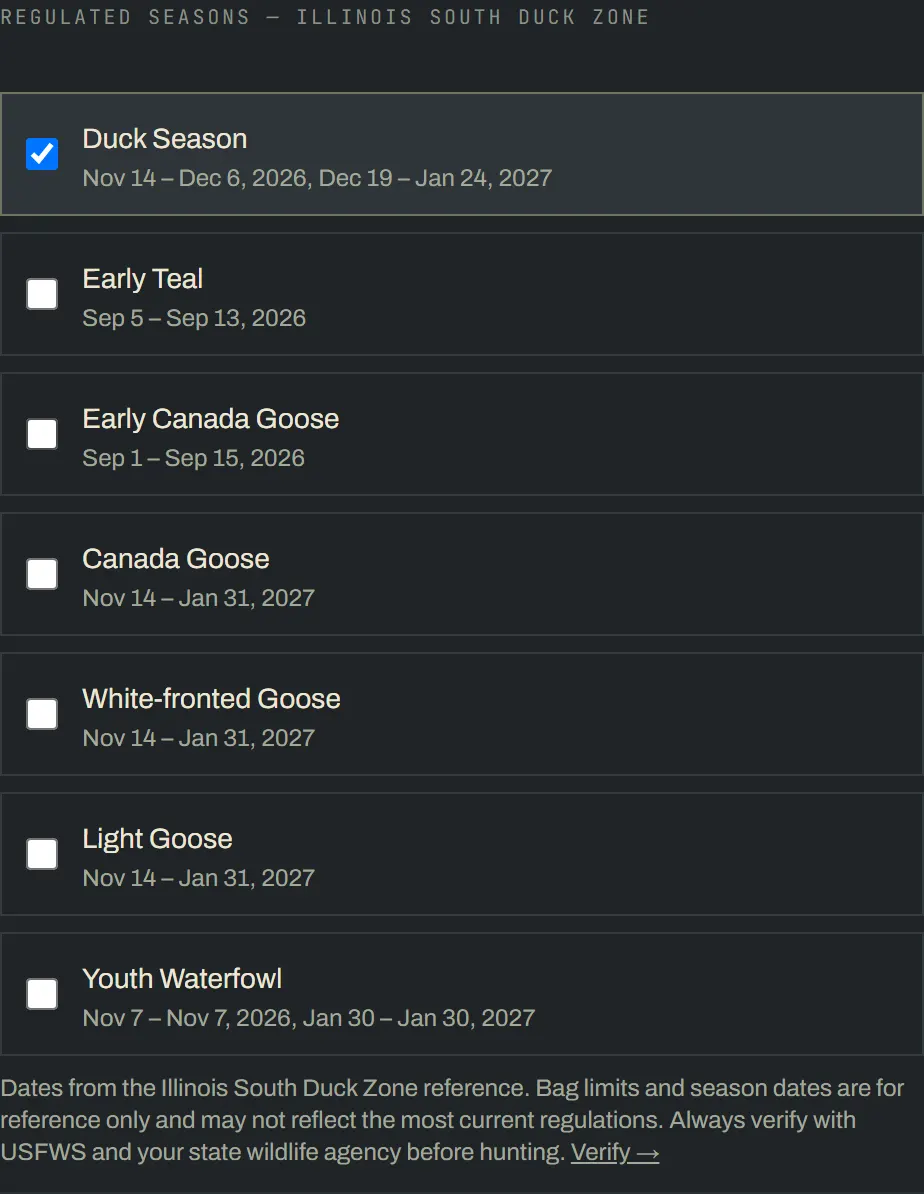
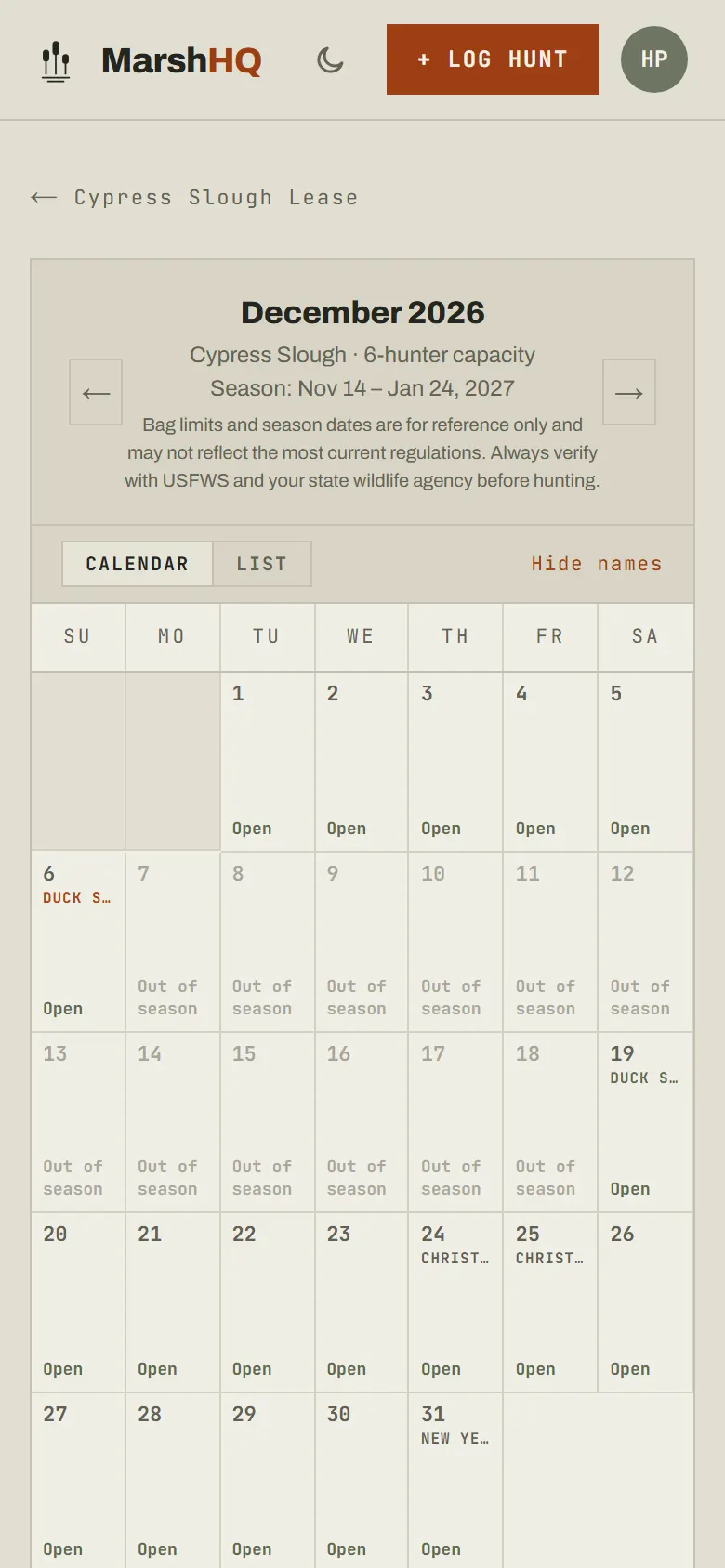
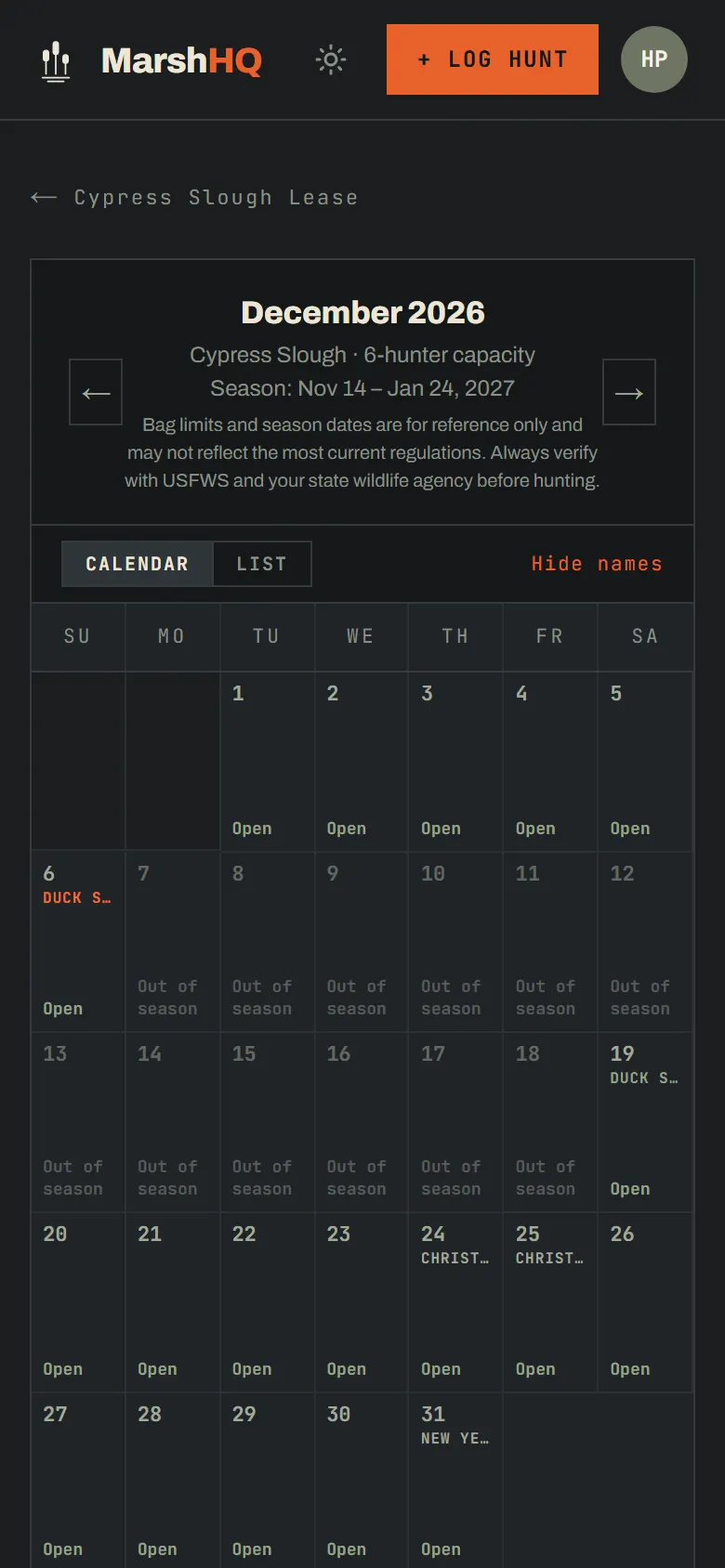
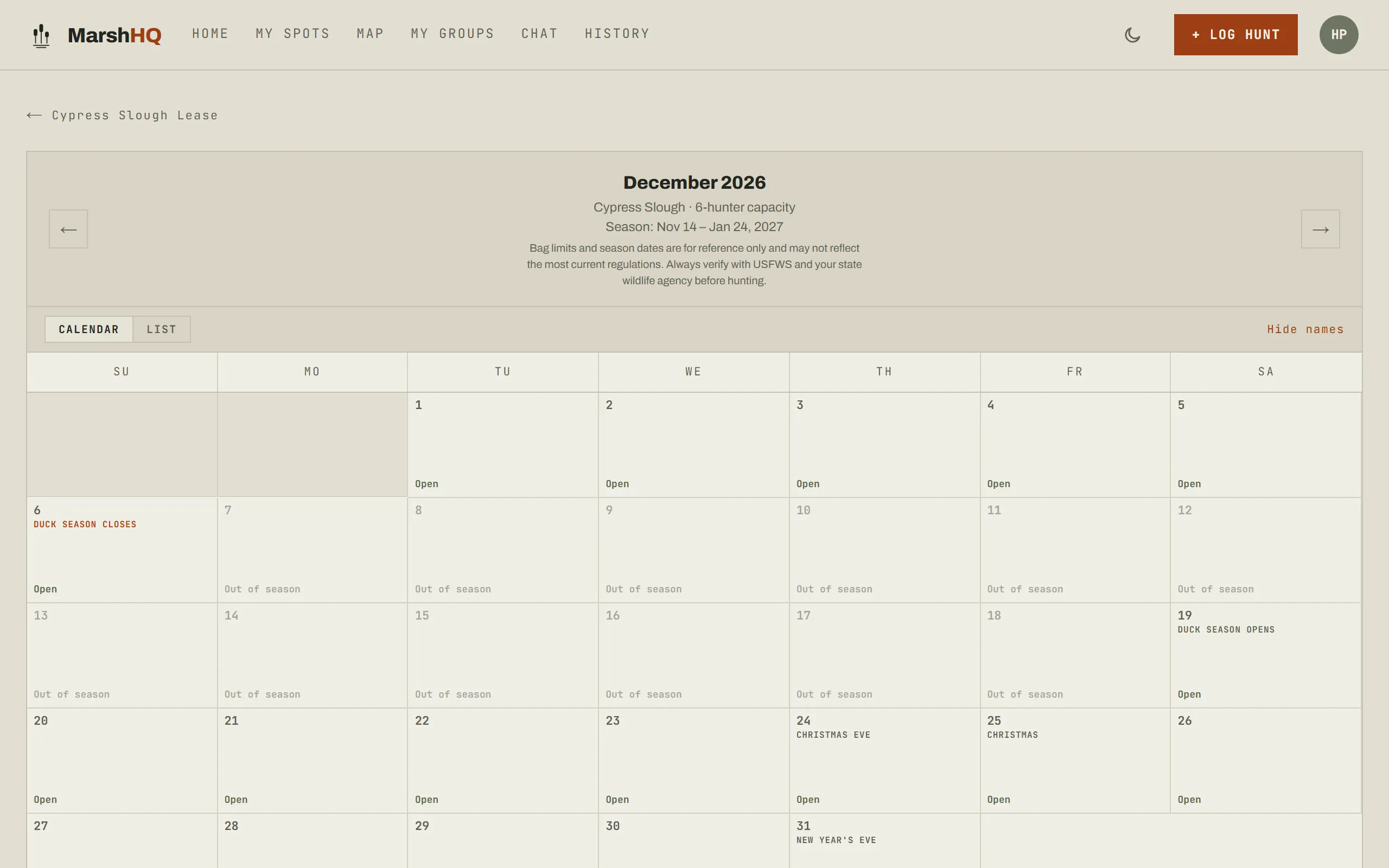
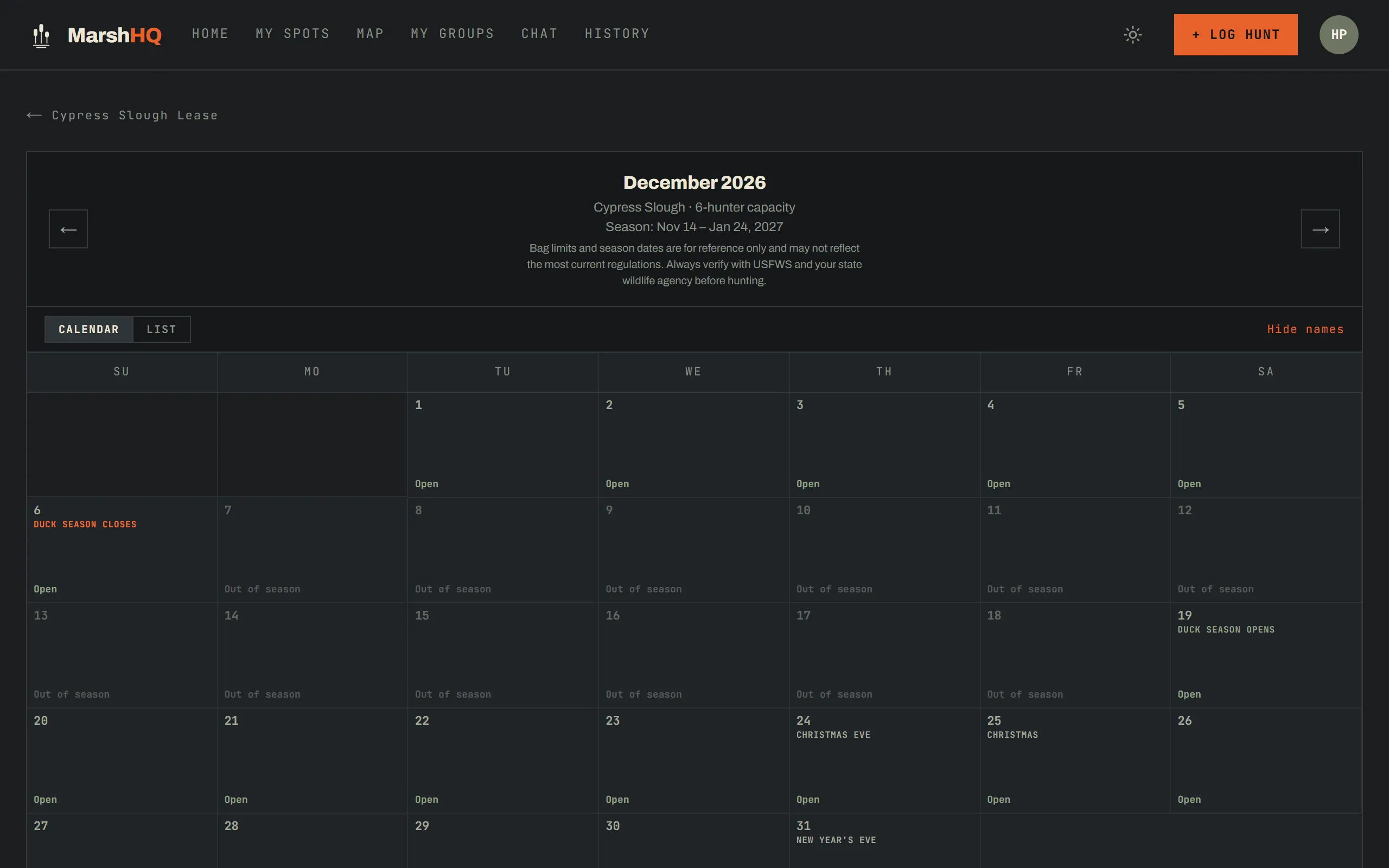
Once that’s saved, the split shows up on the calendar itself: duck season closes December 6 and the blind sits out of season until it reopens December 19 — no manual re-entry, no second form.
Scheduling
A calendar nobody double-books
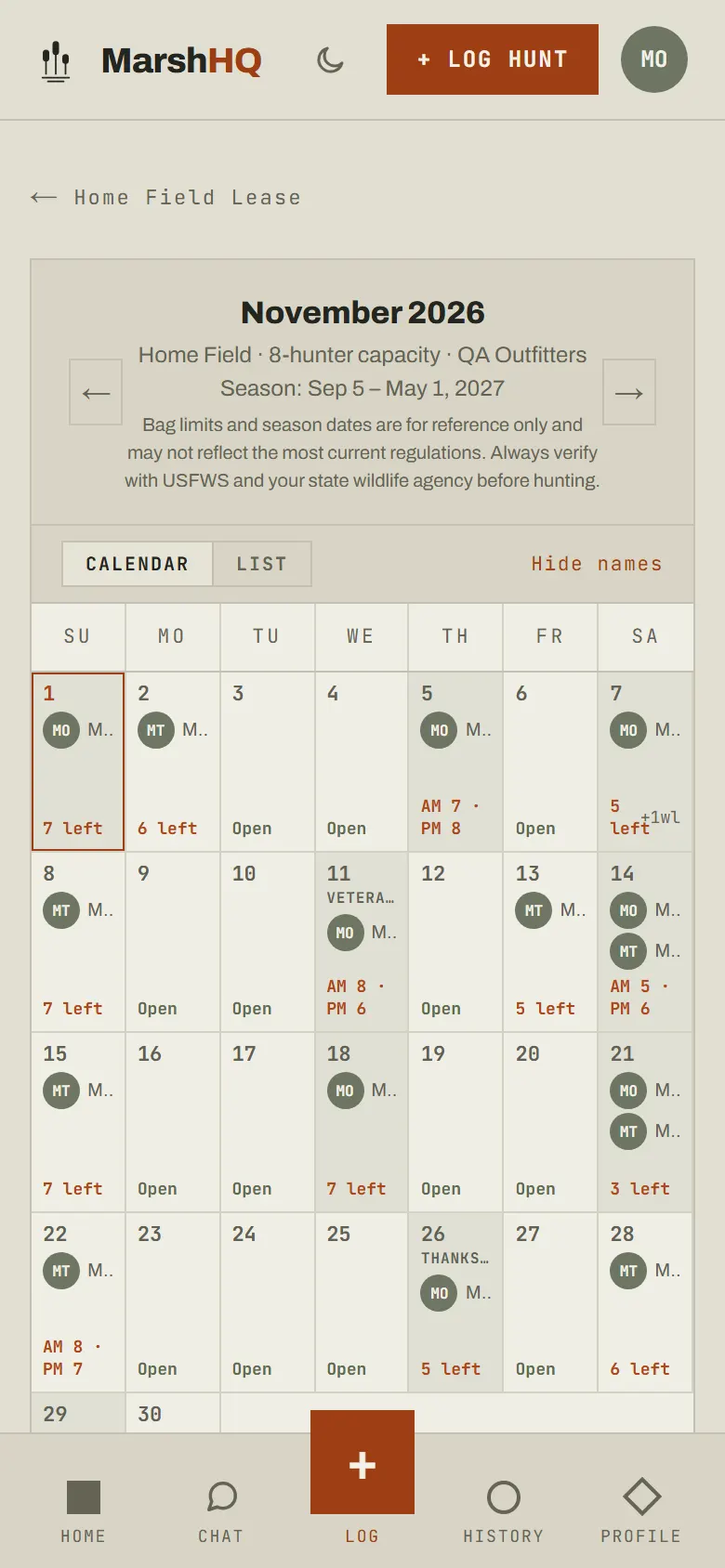
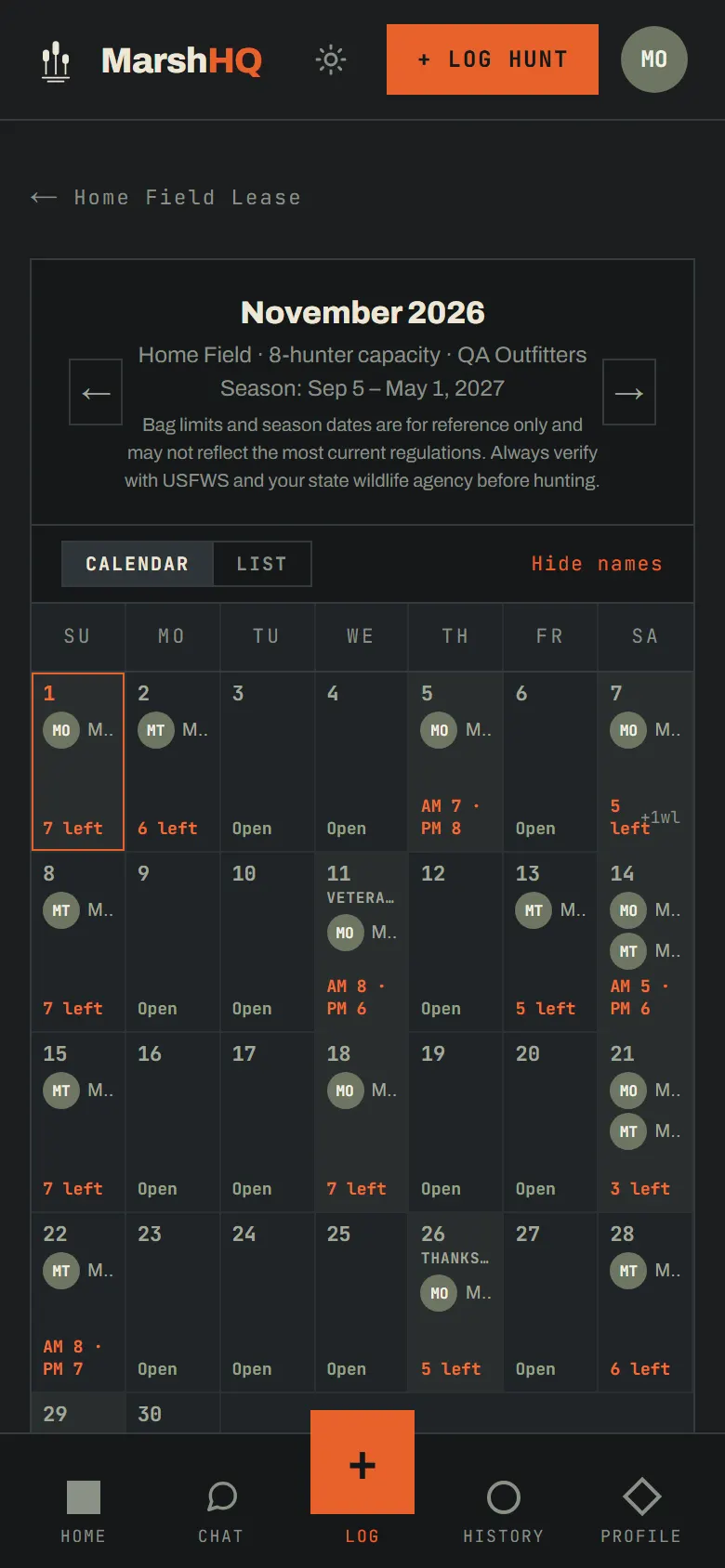
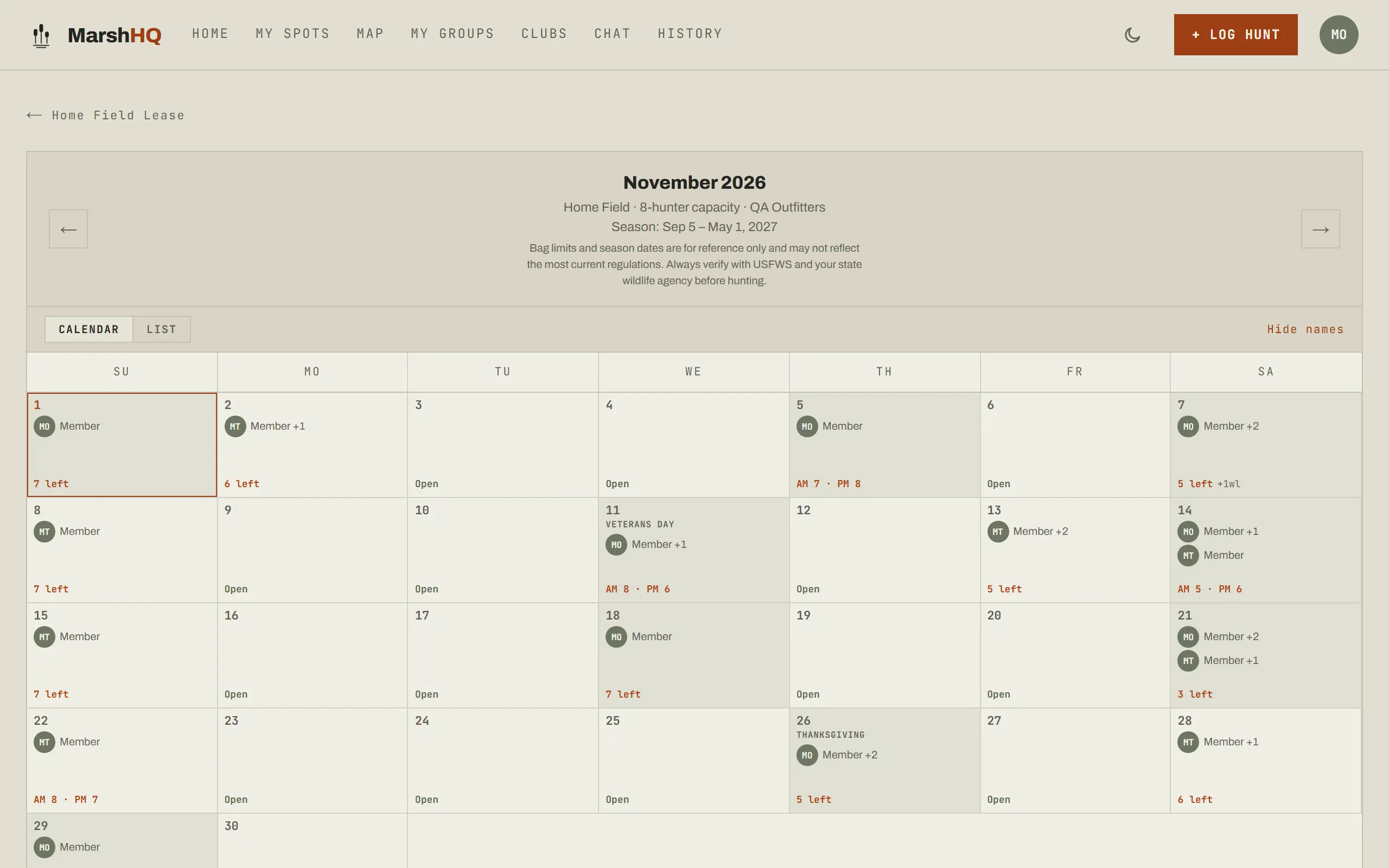
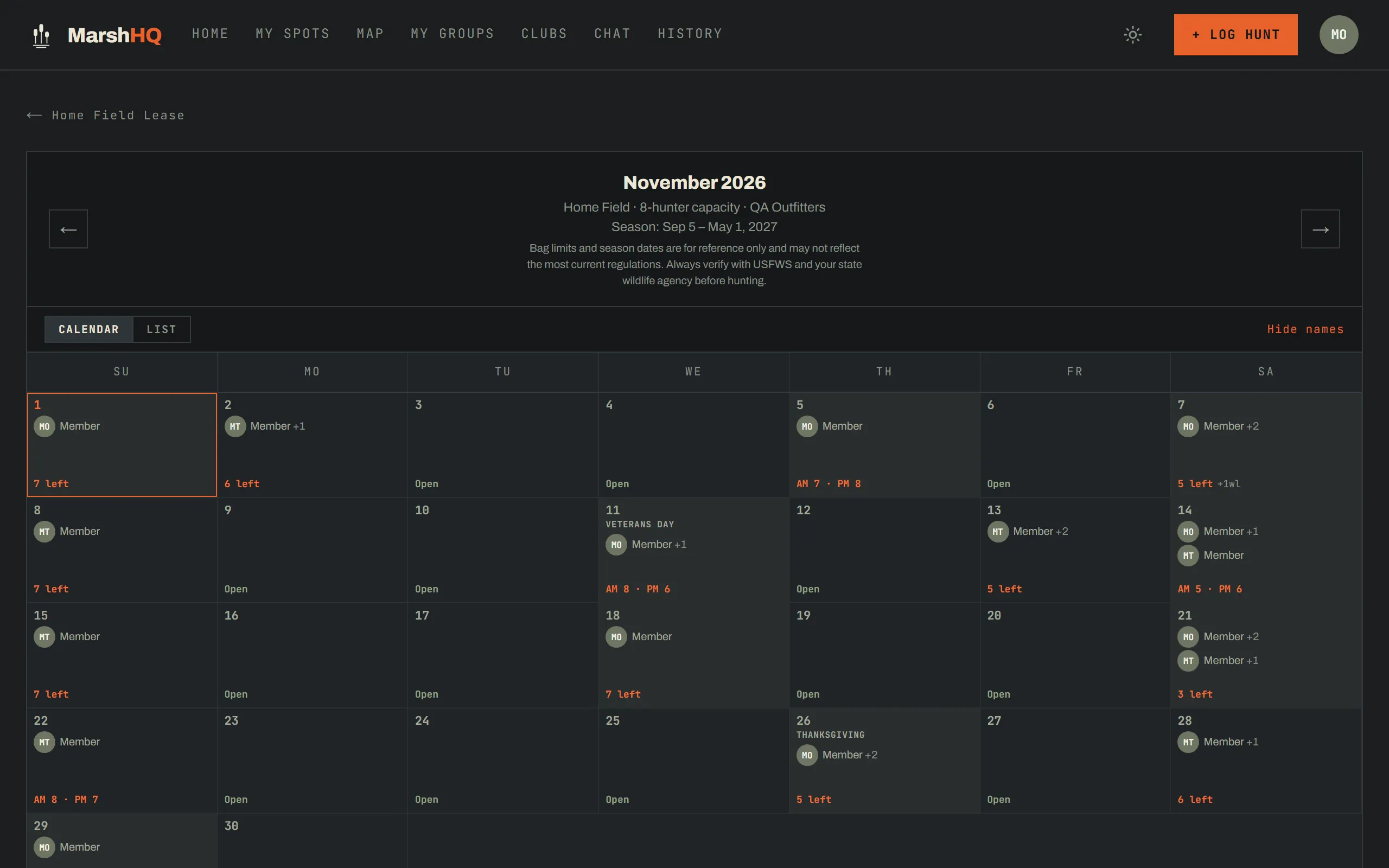
Once the group is active, the schedule turns on: a monthly calendar split by morning and afternoon periods — each seating the blind’s full capacity, and an all-day booking takes a seat in both — plus a waitlist that offers the spot to the next person in line when a reservation opens up.
- Morning and afternoon each seat the blind’s full capacity; an all-day booking takes a seat in both
- A waitlist when a period fills, offered to the next person in line
- Guest limits per reservation, set by the group
- Check a youth hunter onto a reservation so the roster sees who’s coming — the lease decides whether a kid takes a seat like a guest or rides along free
Roster & fair use
Keep the blind shared, not just booked
Share an invite link, or add someone directly by email if they already have a MarshHQ account — send the link instead for anyone who doesn’t. A fair-use tracker compares days hunted per member against the group average as each hunt is logged, so a shared blind stays shared without anyone keeping score by hand — and everyone on a paid group’s roster gets Hunter Pro on their own account.
- Share an invite link, or add anyone who already has a MarshHQ account by their email
- Fair-use tracker: days hunted per member, compared to the group average
- Hunter Pro on their own account for everyone on a paid group’s roster — unlimited spots, weather saved with every hunt, gear and band tracking
- The roster gets its own group chat, with emoji reactions
Group hunts
Log it live, from the blind
Once the group is active, its page puts START HUNT, tabs for chat, the schedule, weather, fair use, analytics and tasks, and the blind’s own conditions all in one place.
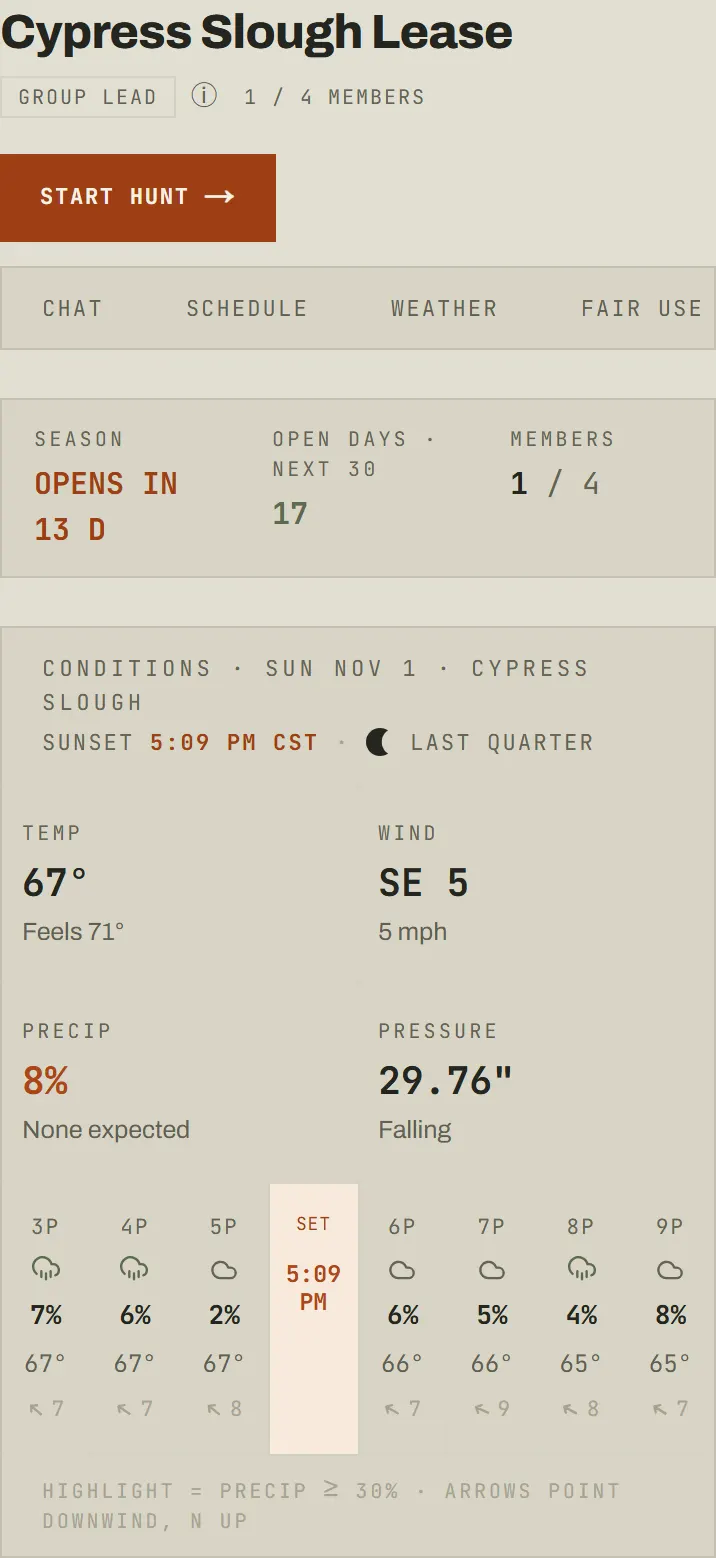
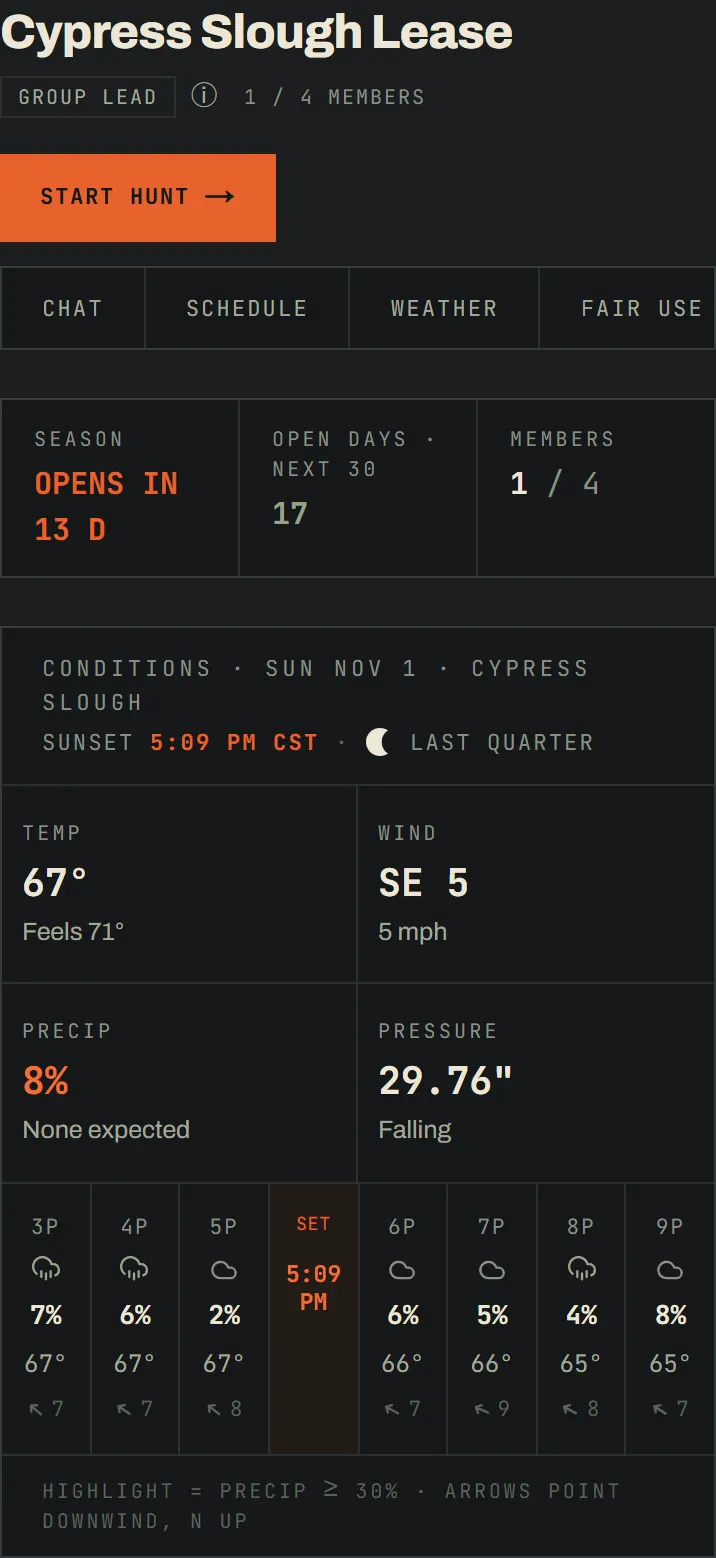
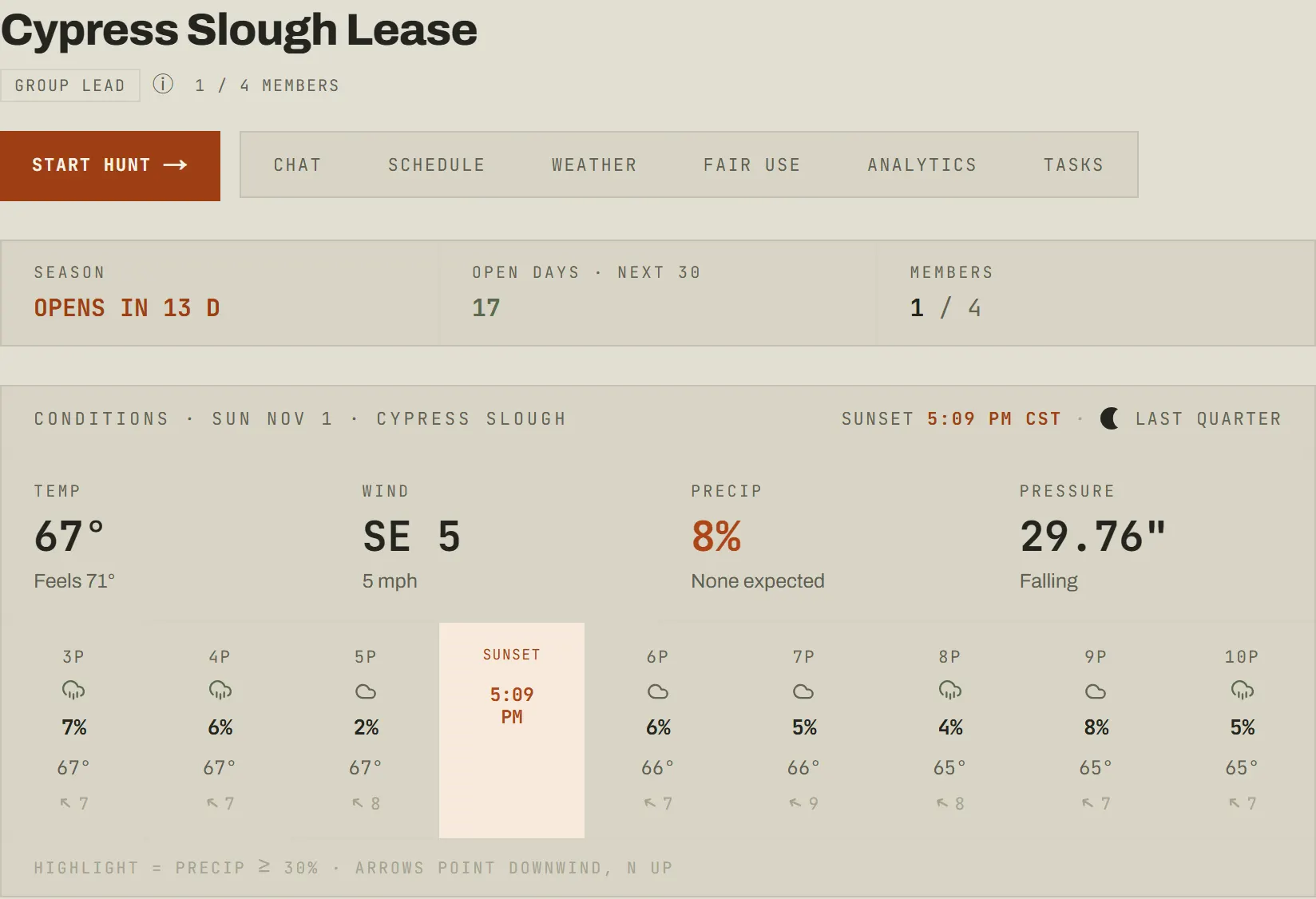
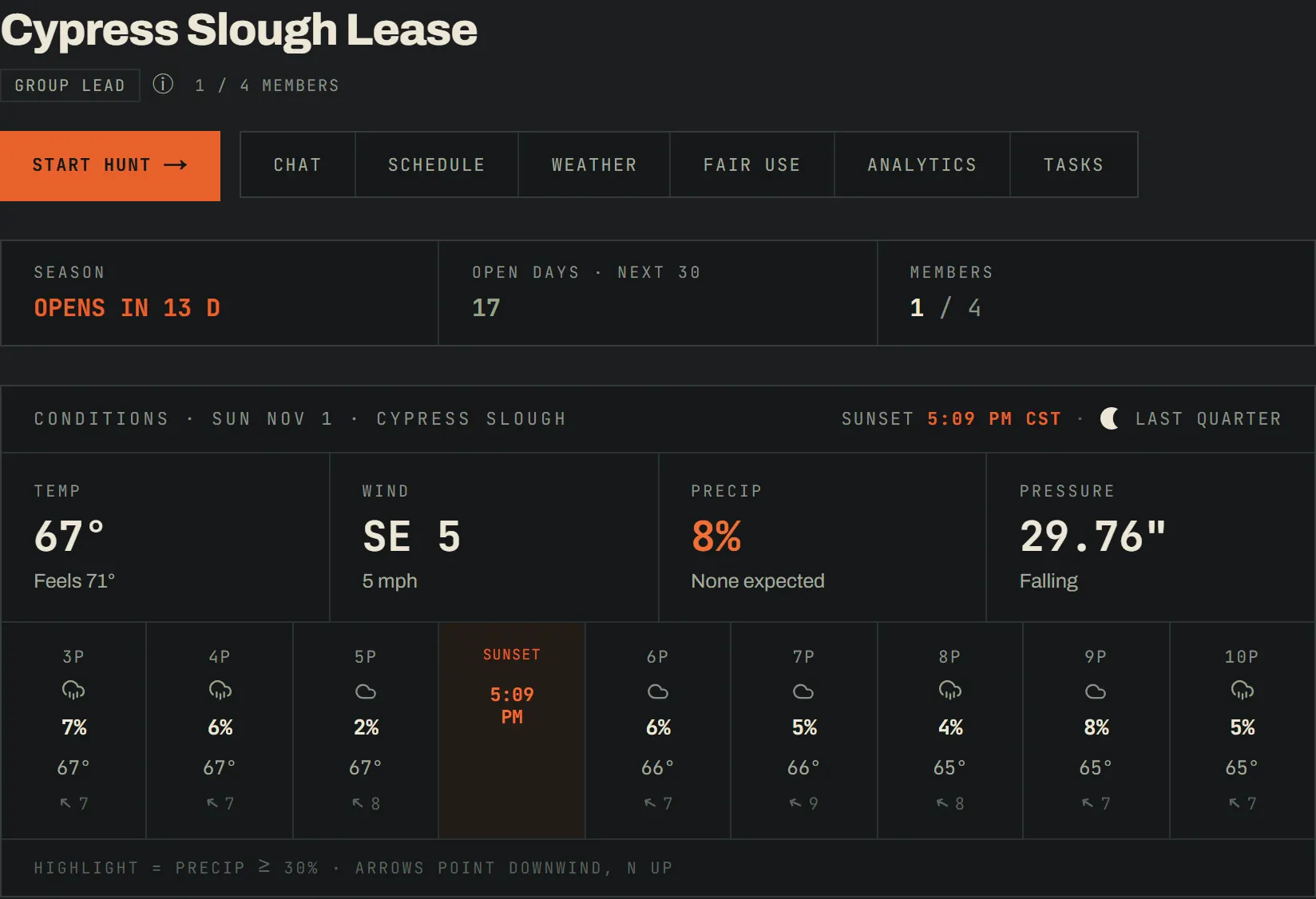
Starting a group hunt, logging each bird to a shooter, and the warden-ready PDF export all need Hunter Pro — and the Group plan gives every member of a paid roster Hunter Pro, so none of it costs anything extra once the lead’s plan covers the group. Live conditions on the page are free for everyone on the hunt regardless.
- Per-shooter attribution on a live group hunt — species and drake/hen counts (Hunter Pro, included for a paid group’s roster)
- Live conditions and the next few hours’ forecast while a session is active, free for everyone on the hunt
- A warden-ready PDF export of the group session, with per-shooter attribution (Hunter Pro, included for a paid group’s roster)
- Decoy setups logged with the hunt, so the group can compare what worked (Hunter Pro, included for a paid group’s roster)
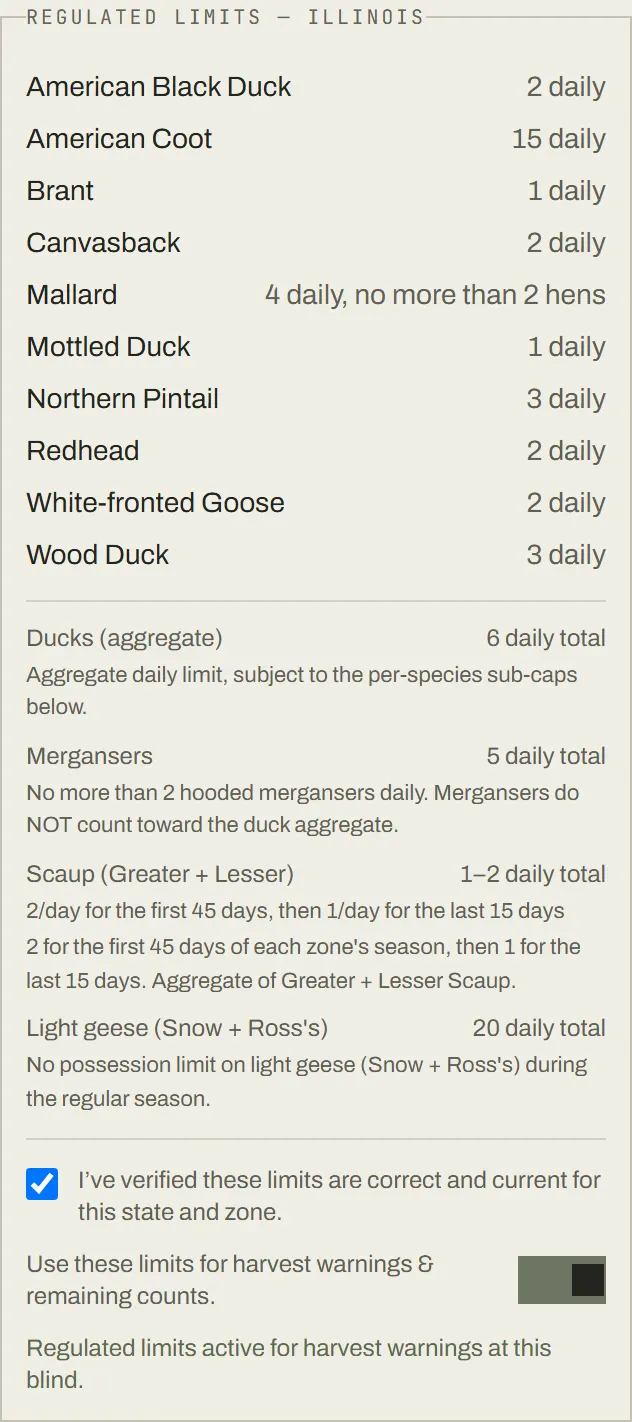
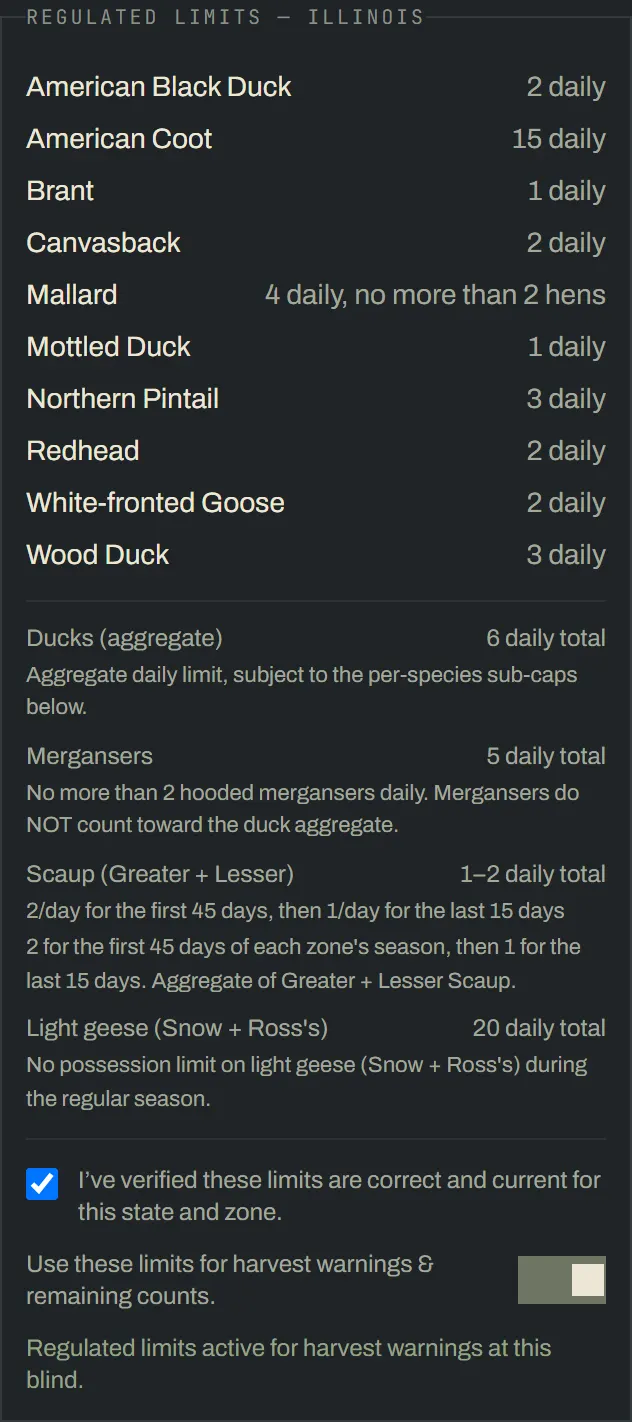
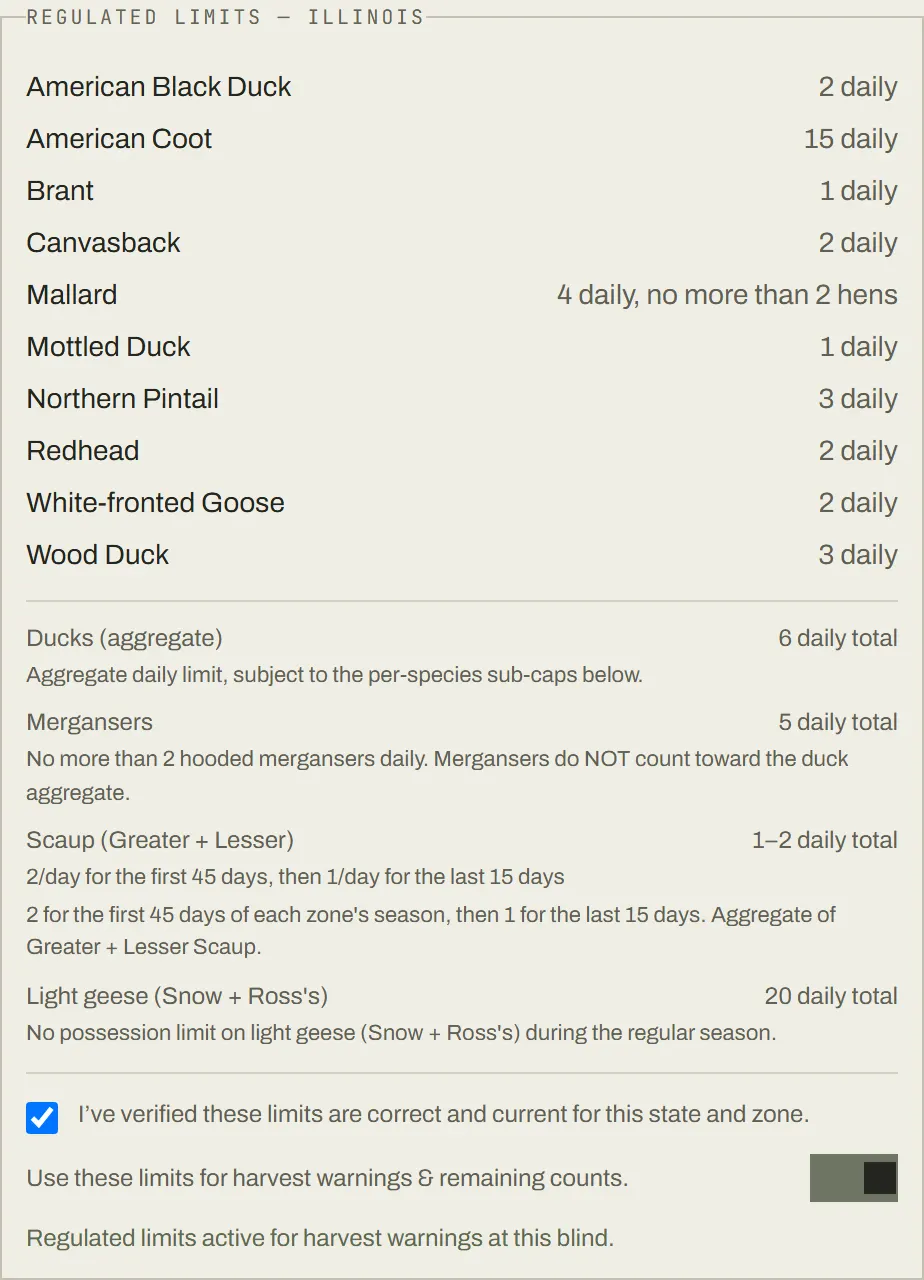
Check a blind’s published state limits and switch them on, and harvest warnings and remaining counts at that blind use the state’s own numbers — firing the moment a bird is logged during a hunt.
Plans
One plan, one payment, for the whole roster
Free
- Join an active group’s roster at no cost — the lead’s Group plan covers you
- Bag-limit warnings & season analytics on your own hunts
Group
- Calendar, reservations & waitlist for the blind
- Fair-use tracking & roster invites
- 6 members included, one payment for the roster — and every member gets Hunter Pro
Hunter Pro
- What a paid group’s roster already gets, on each member’s own account
- Unlimited saved spots, weather saved with every hunt
- Gear, decoy & band tracking, warden-ready PDF export
Bag limits and season dates are for reference only and may not reflect the most current regulations. Always verify with USFWS and your state wildlife agency before hunting.