For hunters & lease groups
Your season, logged. Your lease, scheduled.
MarshHQ is built around one bird and one flyway’s regulations, not a generic outdoors app with a duck icon bolted on. Log your own hunts or a live group hunt at a shared blind, save the spots you hunt, and see what conditions actually put birds in front of you. Bring the kids and their hunts go on a record of their own. If you run a lease group, the same account schedules the blind for everyone on the roster.
Logging
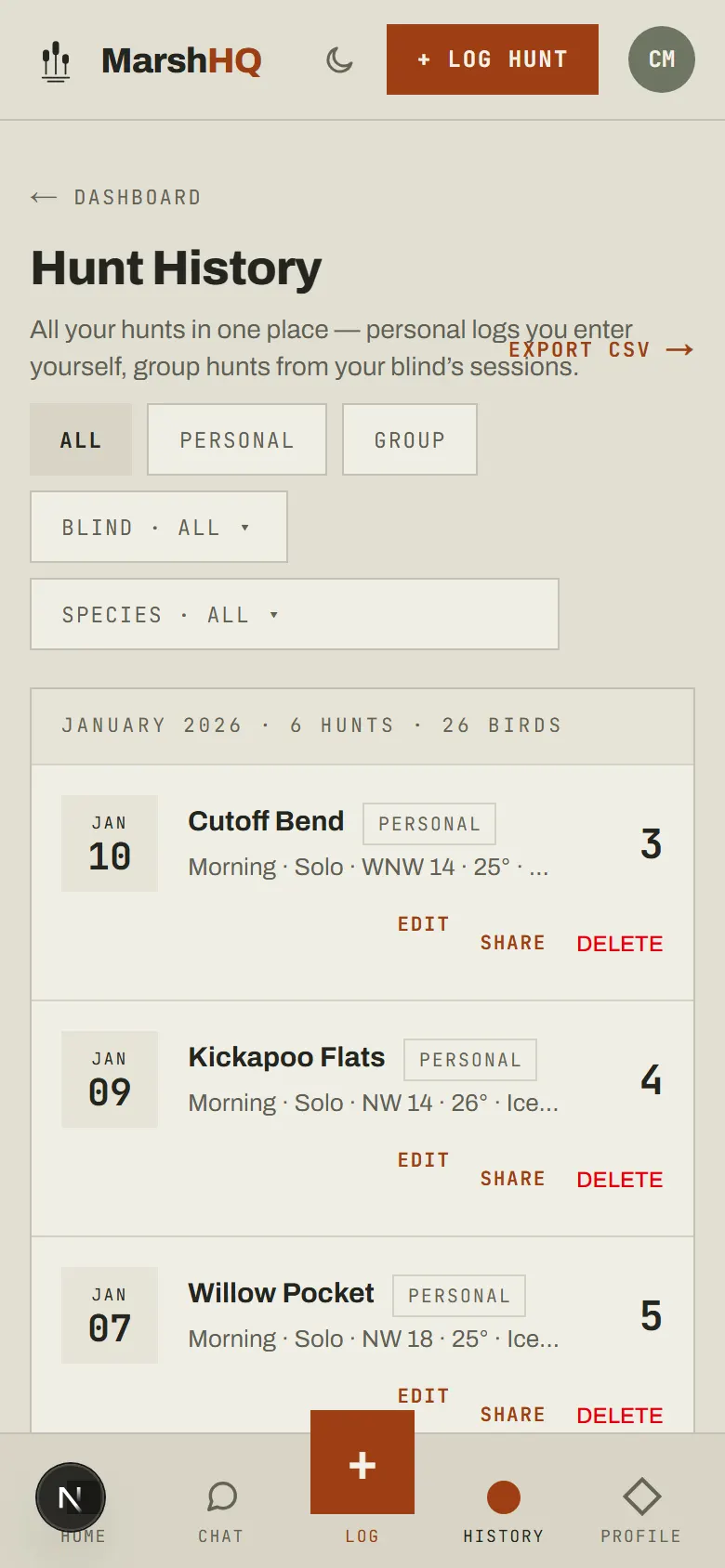
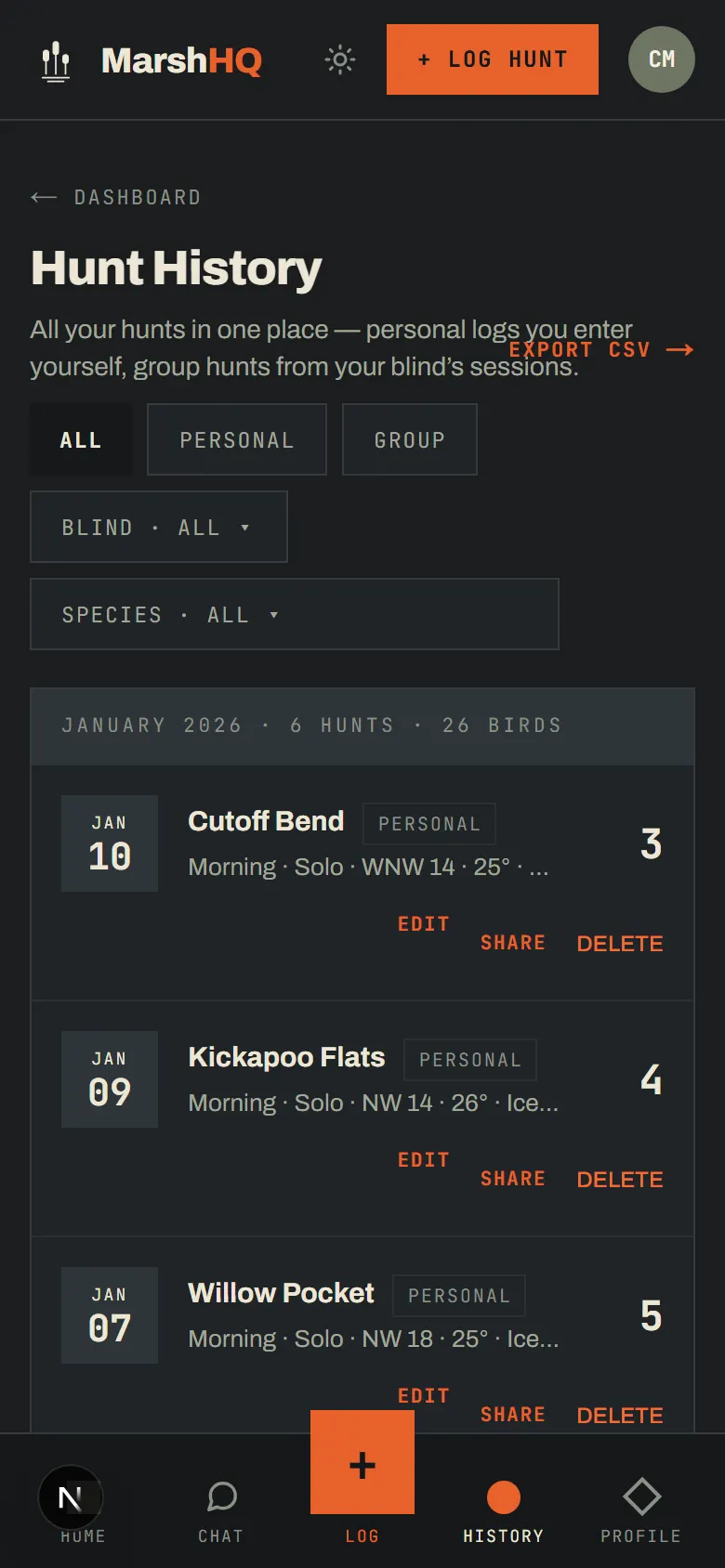
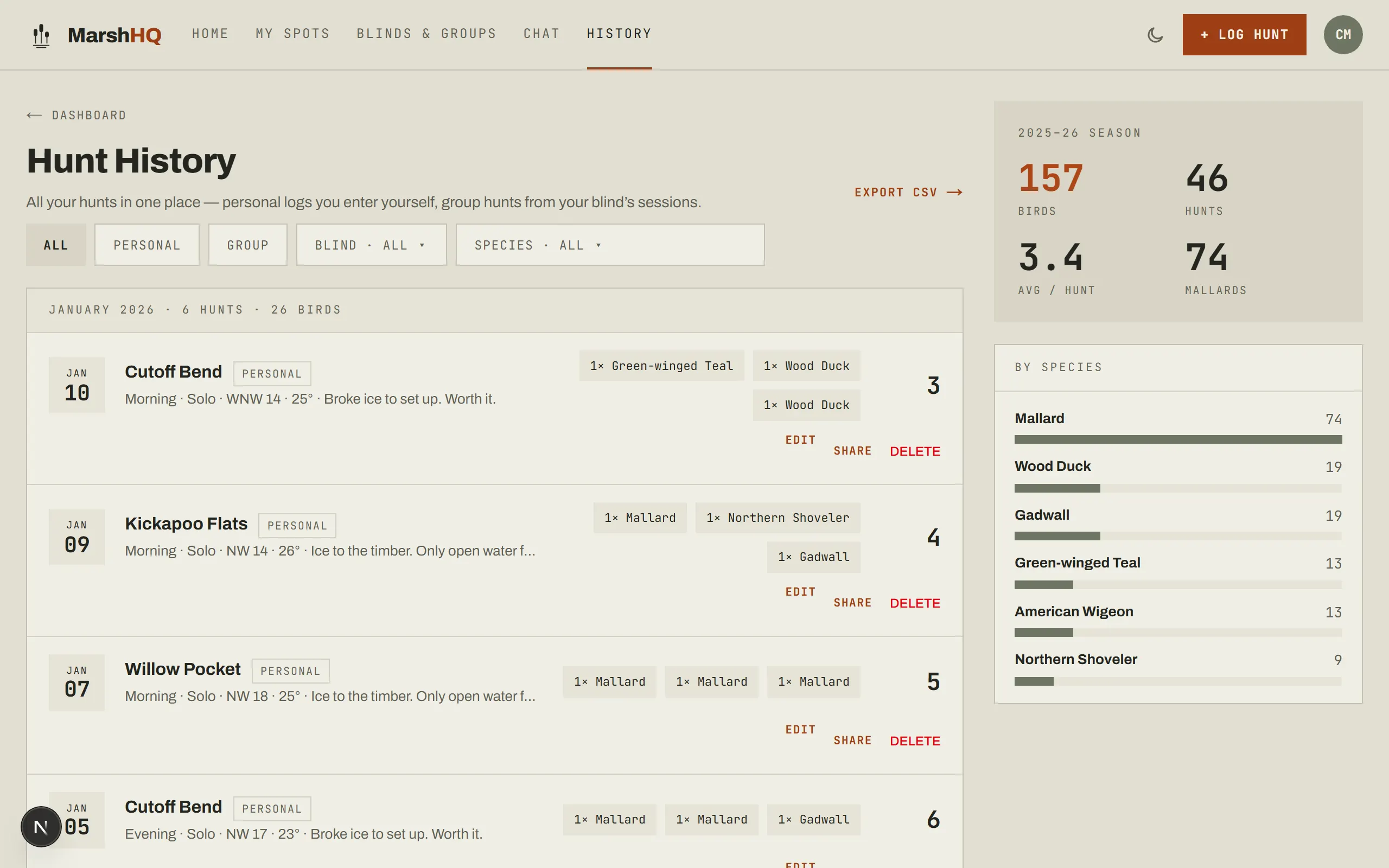
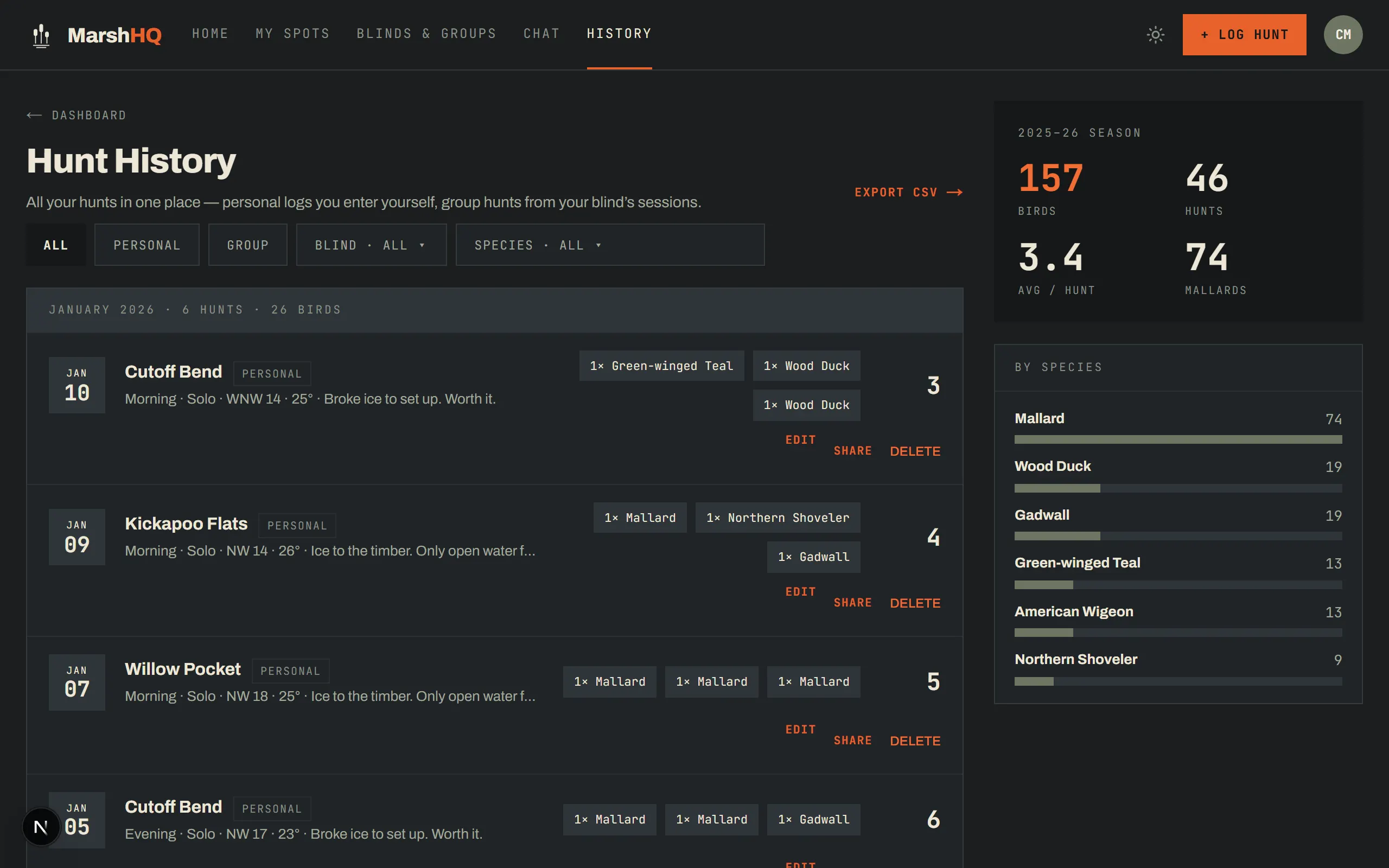
Every hunt, logged in under a minute
A personal hunt is a quick log at one of your own spots. A blind session is a live group hunt at a blind you share, attributing birds to each shooter as you go. If you belong to a lease group, MarshHQ asks which one you mean; if you don’t, you go straight to the personal log.
- Species and drake/hen counts, per shooter on a group hunt
- Bag-limit warnings show up after you save — the hunt always saves first
- Real conditions saved automatically with every hunt (Hunter Pro): temp, wind, pressure, moon
- A warden-ready PDF export of a blind session, with per-shooter attribution (Hunter Pro)
Youth hunters
Bring the kids. Keep their record.
Add a youth hunter to your profile with a first name and a birth year — no account, no email, and nothing else stored about a minor. Check them onto a reservation so the blind knows a kid is coming, add them to a blind session, and their birds go on their own record, not yours. Free on every plan.
- Their own progress page: birds, hunts, seasons hunted, favorite species, and a species breakdown
- Milestones that stick — first hunt and how old they were, best season
- Marked as youth on the warden-ready PDF export, so a blank license line is explained
- Only you can see your youth hunters; the rest of the roster sees a first name and a youth marker
- When they’re grown, send them a one-time hand-over link: they sign up, claim it, and every hunt you ever logged for them moves to their own account
Your spots
Know what works, and where
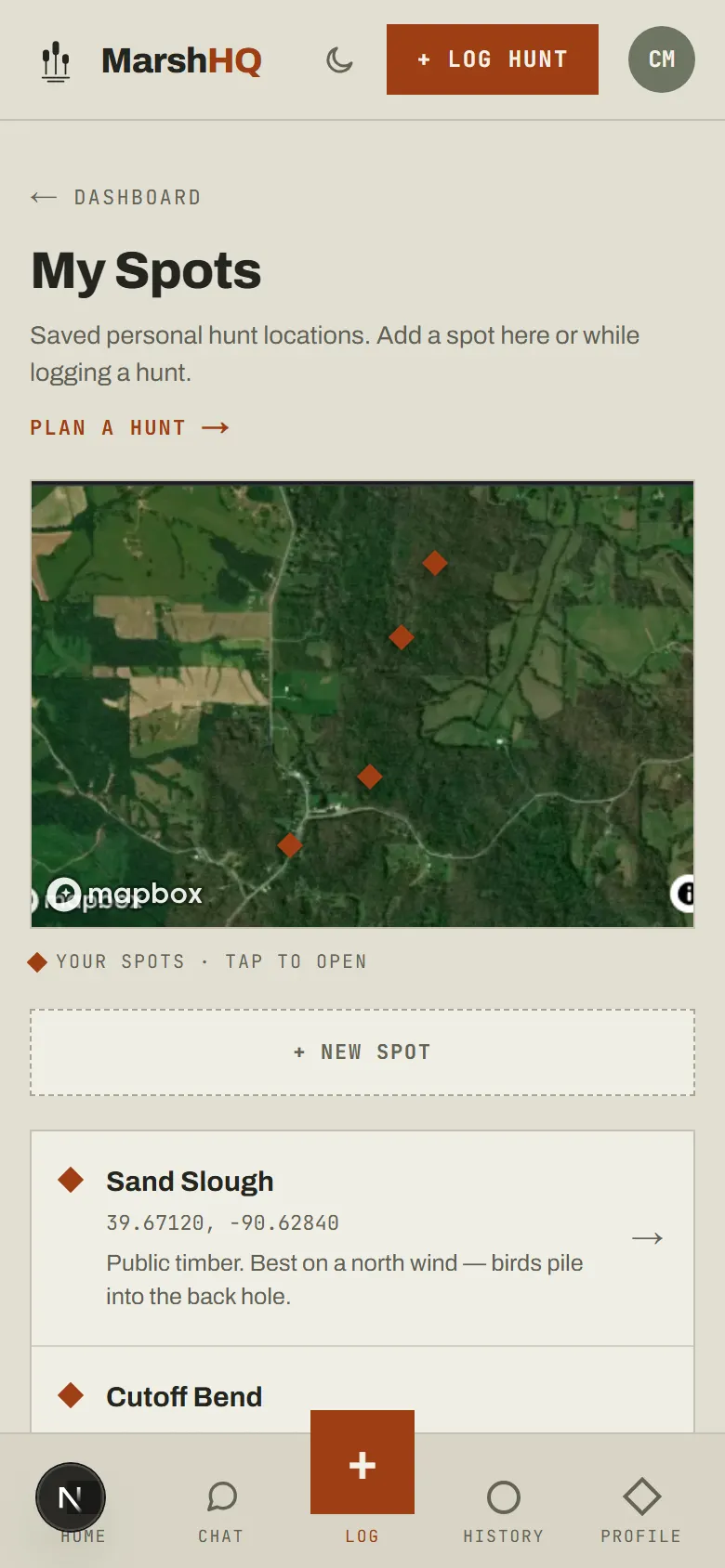
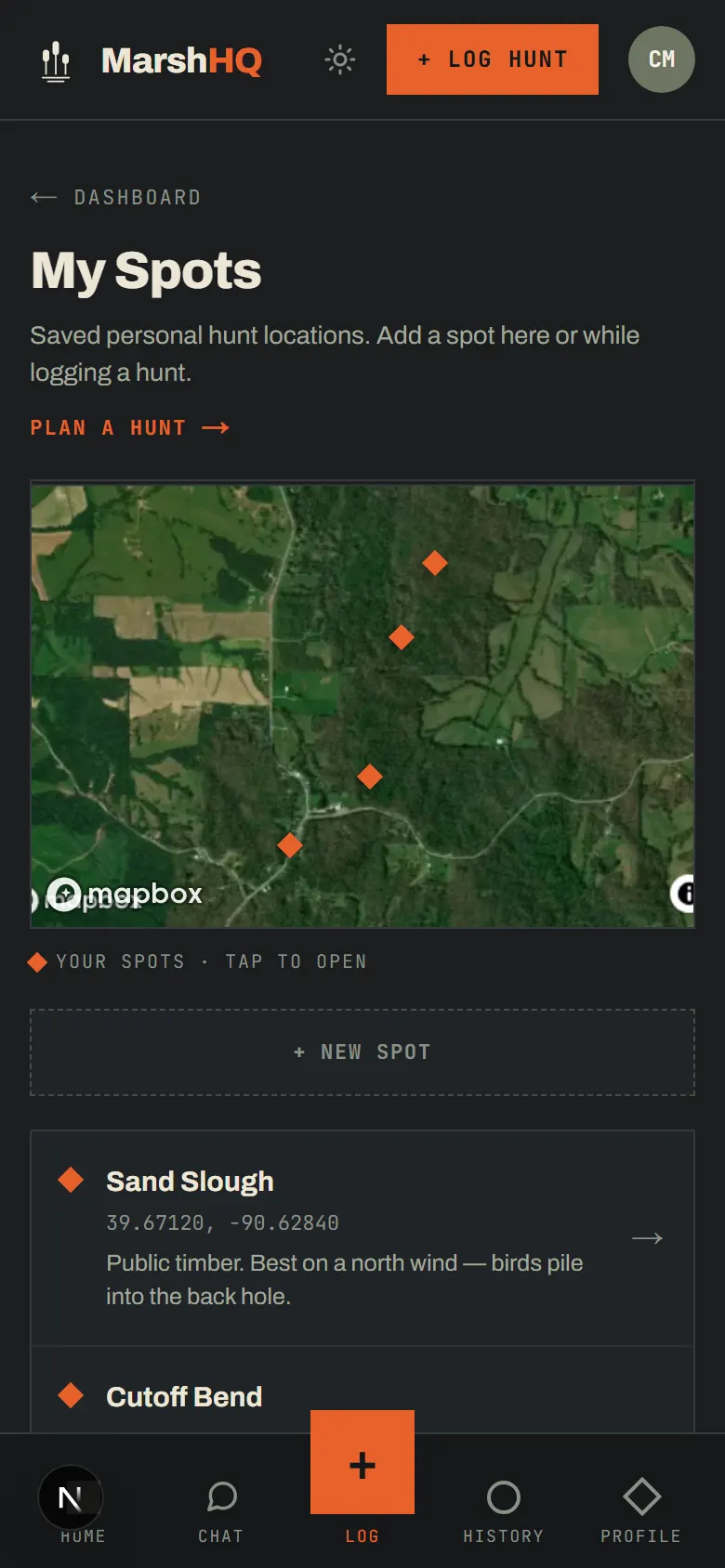
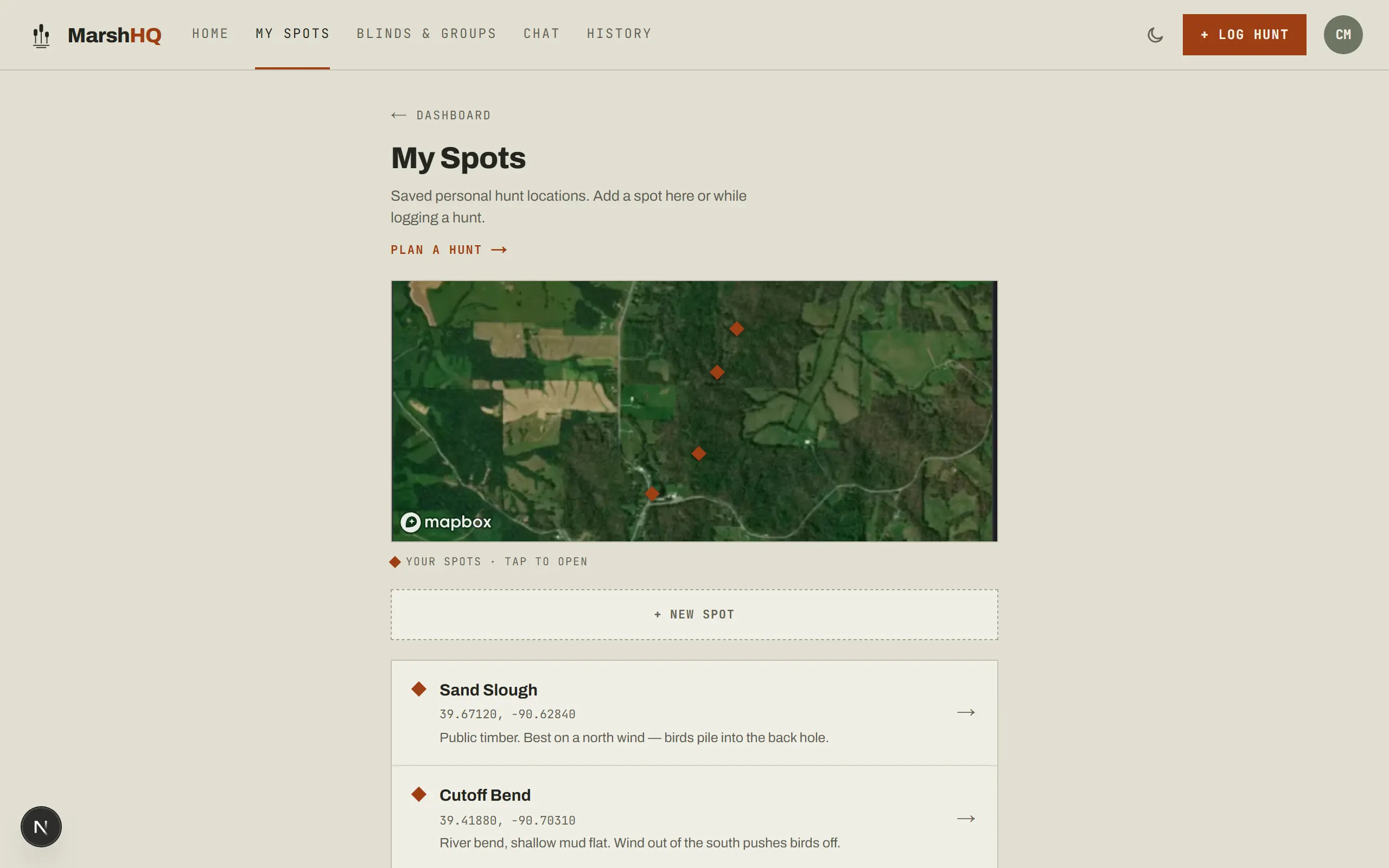
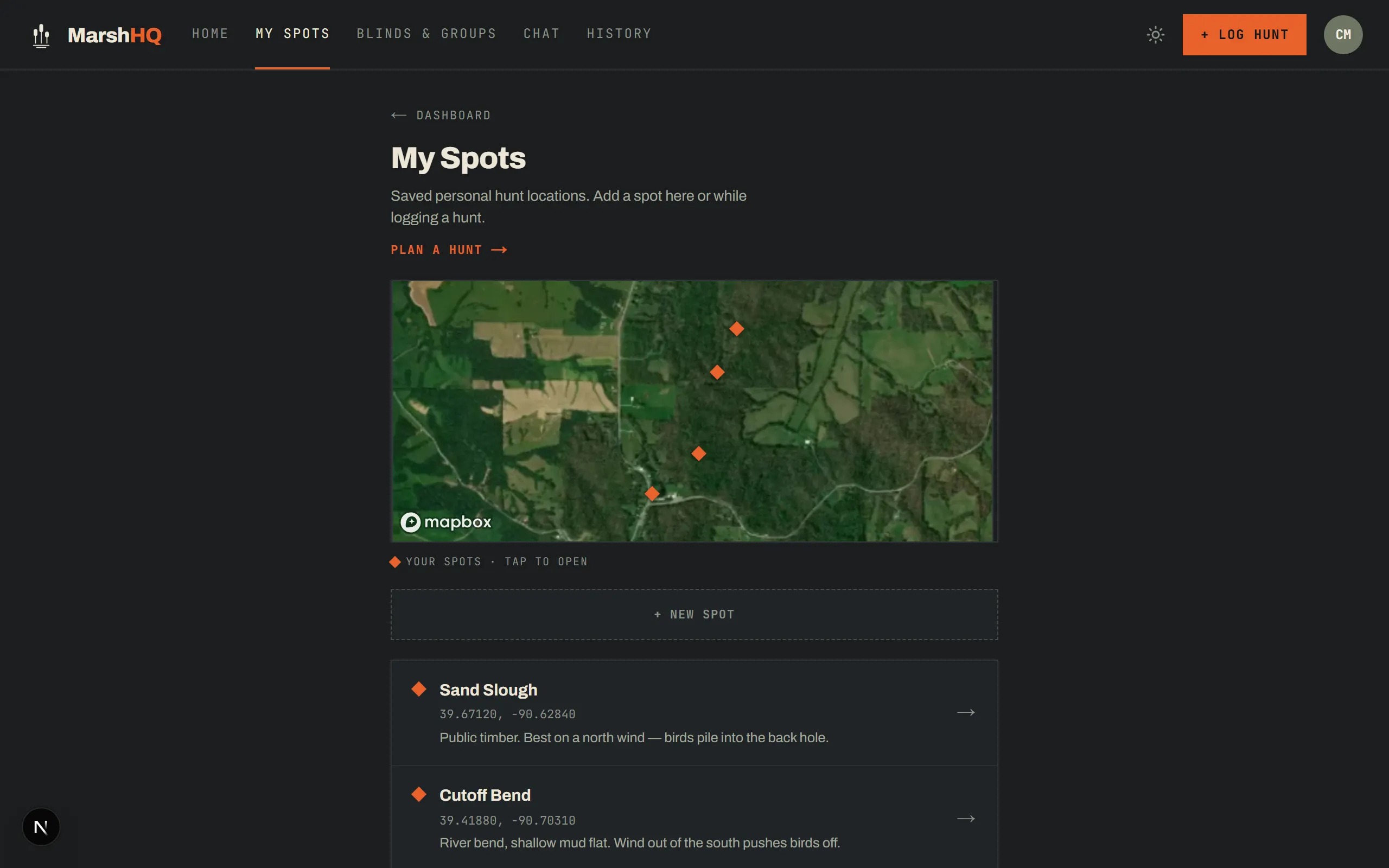
Save every spot you hunt — public timber or private ground — with your own notes on what works there. The map shows them all at a glance; open one to see the wind, pressure, and temperature bands your own hunts have actually produced in, once you’ve logged enough there to compare.
- 3 saved spots free, unlimited with Hunter Pro — public hunting areas never count against the limit
- Coordinates and your own notes on every spot, right from the truck
- Per-spot breakdowns by wind direction, pressure trend, and temperature band
Planning
Plan around the weather, not around a guess
Every hunt saves the real forecast for an upcoming date, or that day’s archive record for a backdated one (Hunter Pro), then rolls it up per spot so the coming week means something.
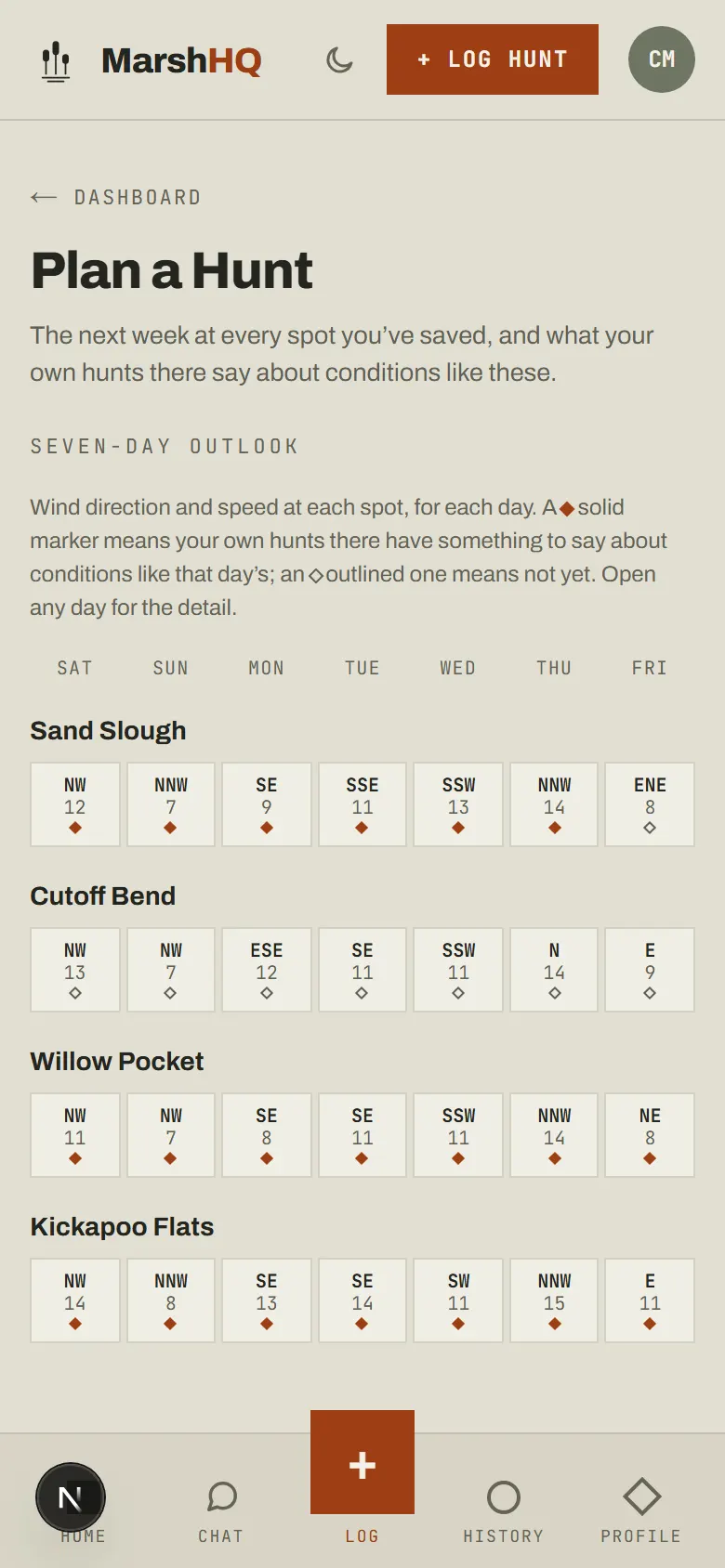
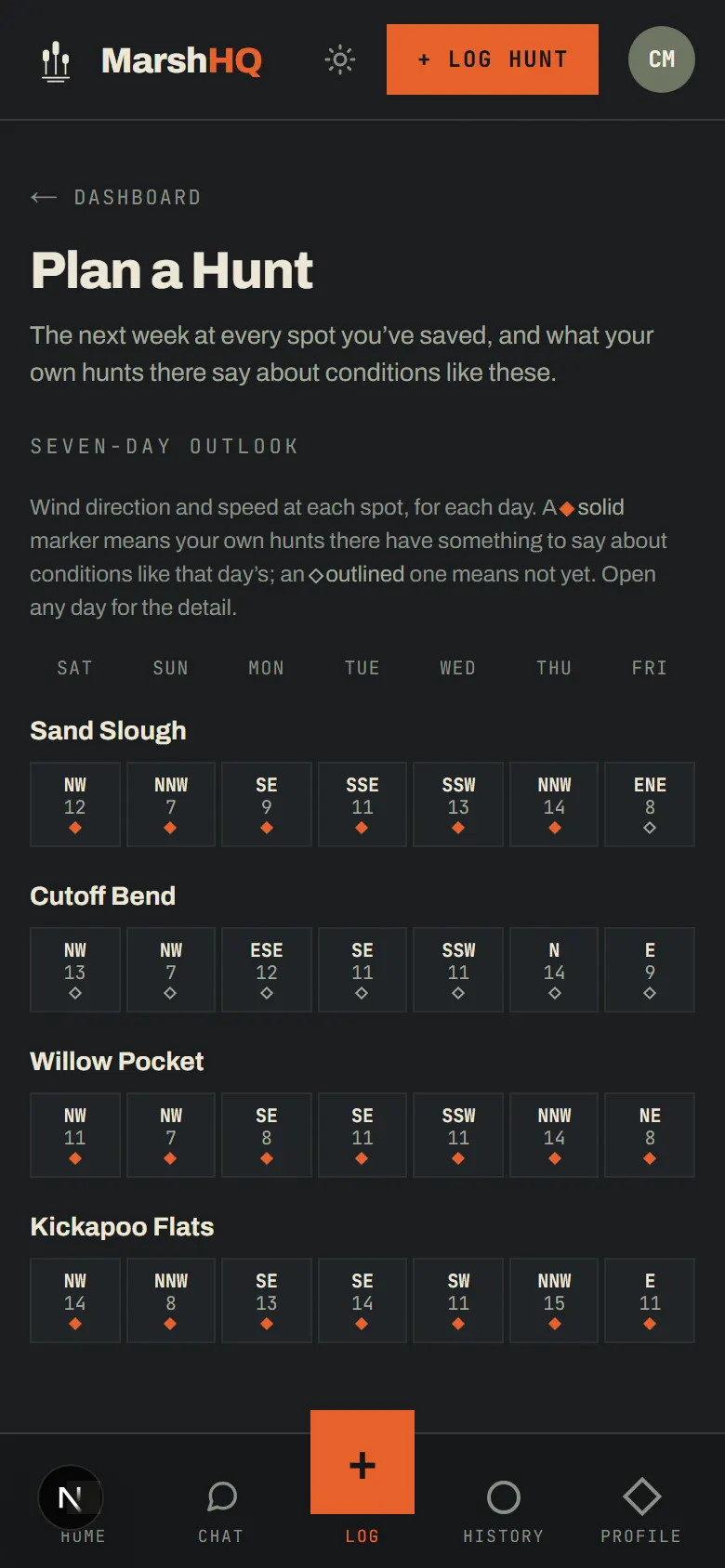
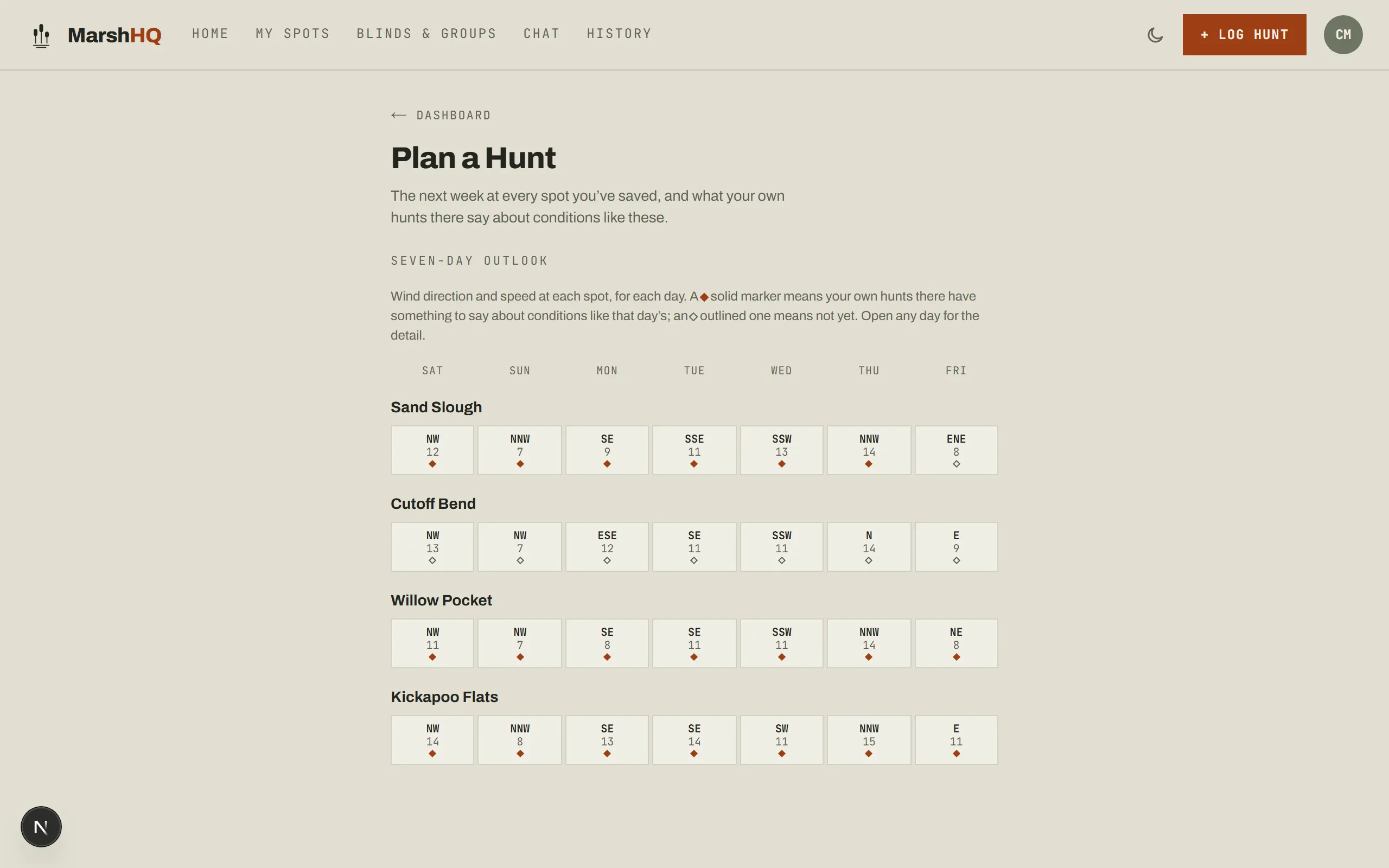
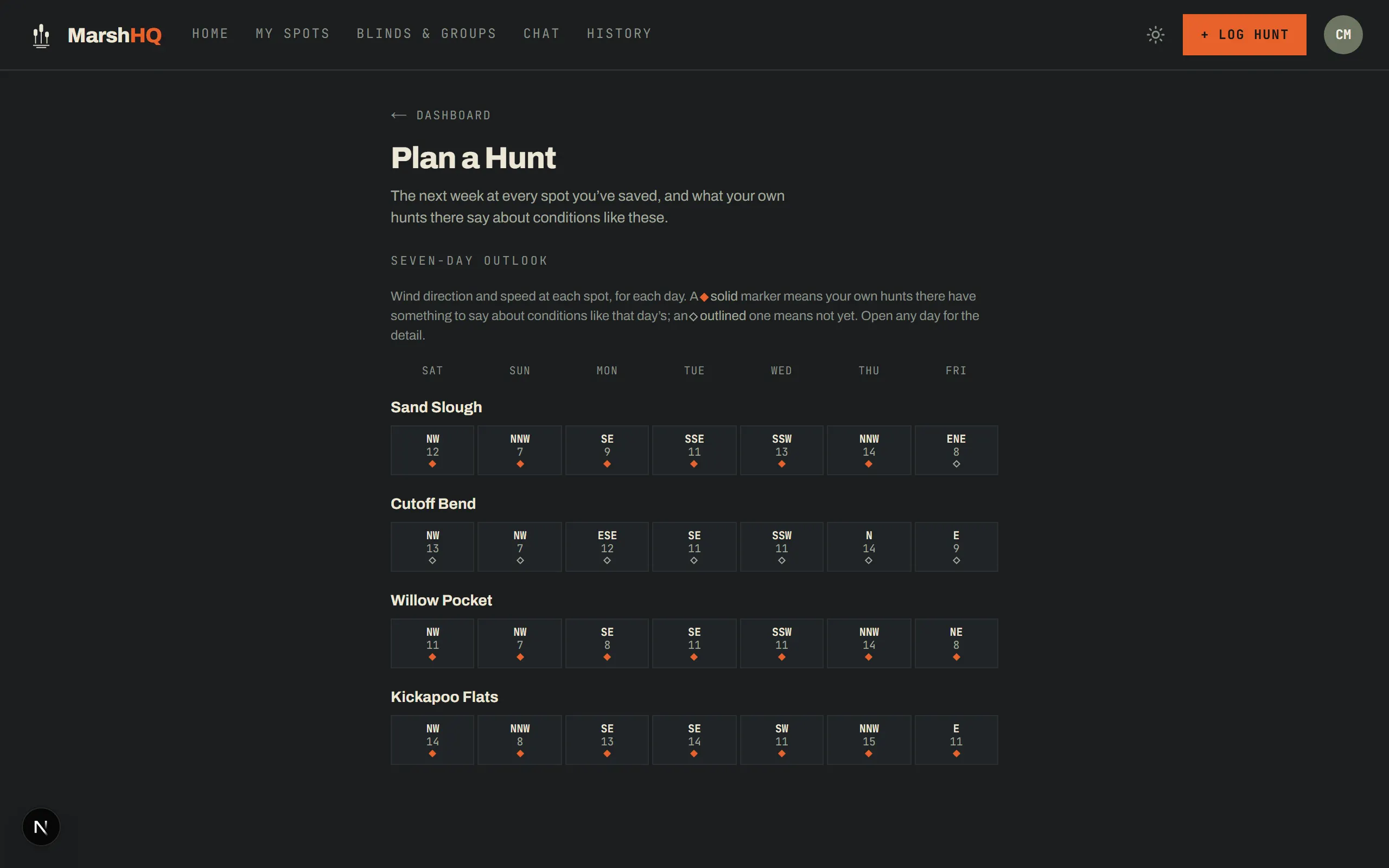
- Seven-day wind direction and speed outlook for every saved spot
- A filled marker means your own hunts there have something to say about a day like that; an outlined one means not yet
Wind data by Open-Meteo (CC BY 4.0).
Gear
Gear you don’t re-enter every trip
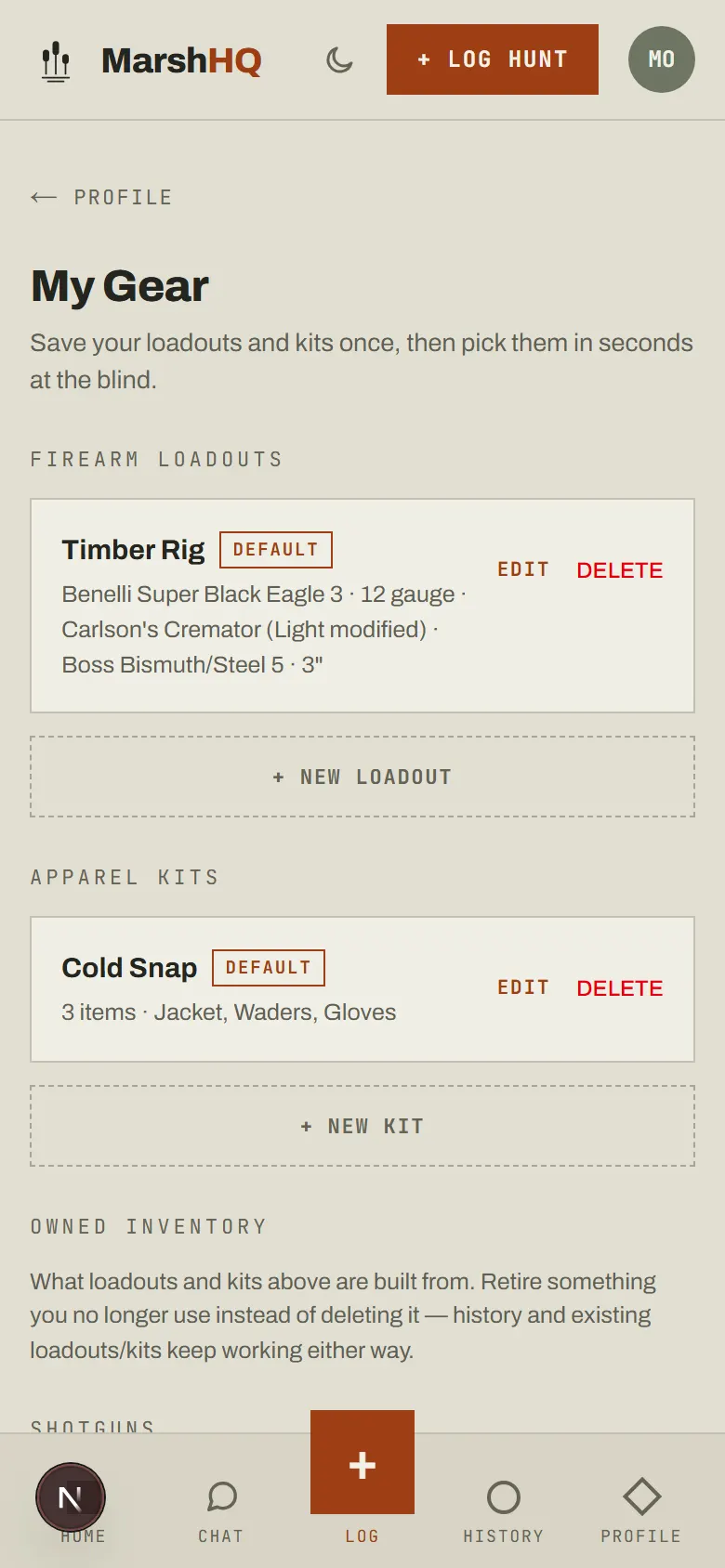
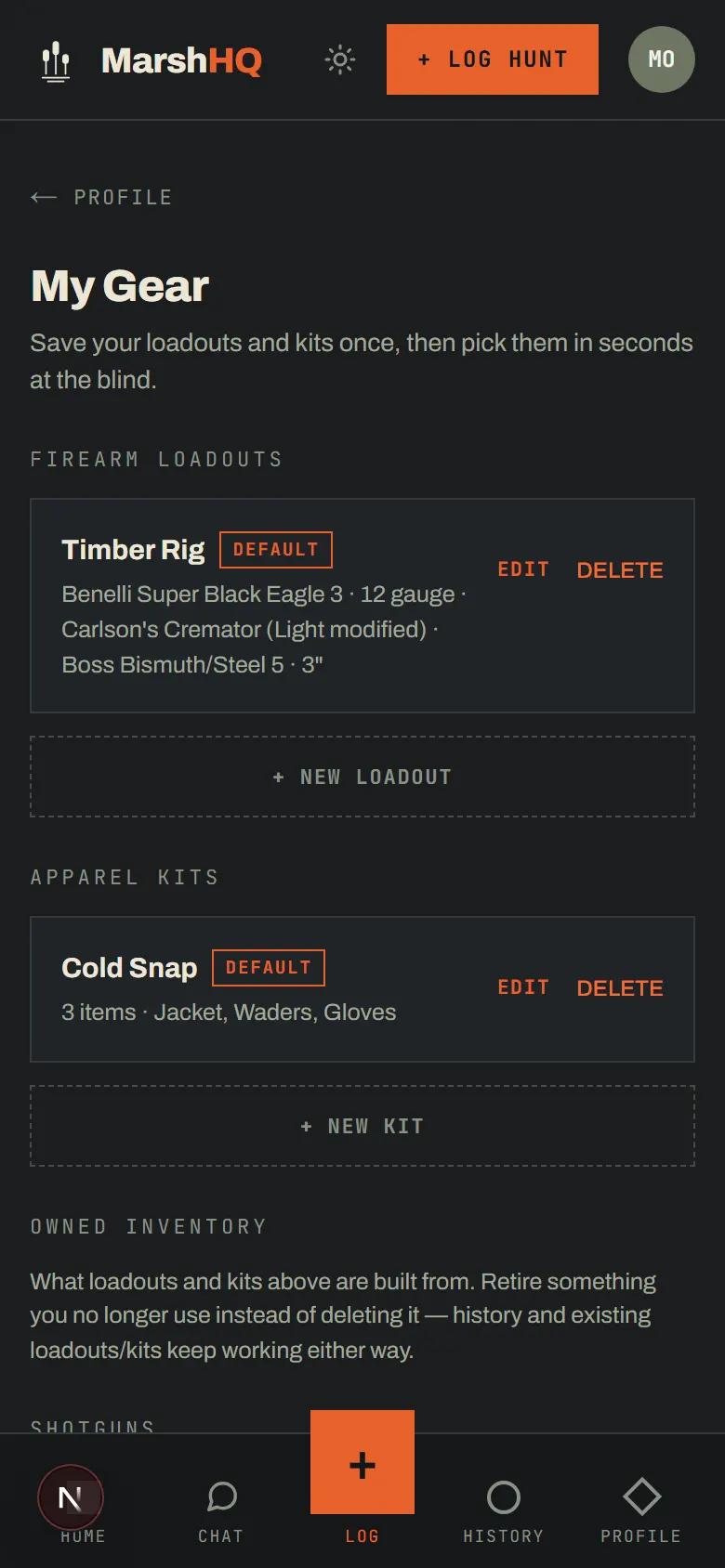
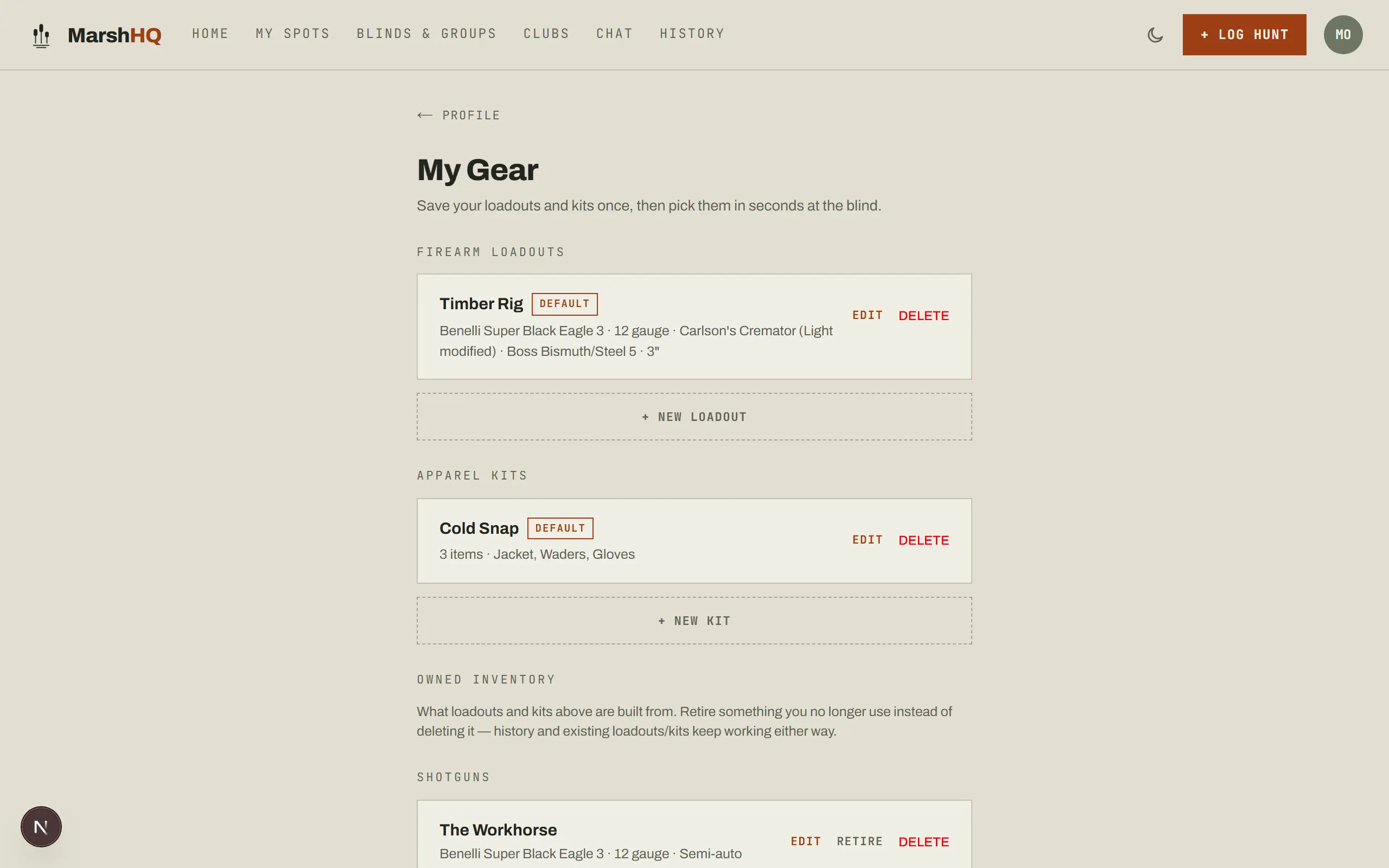
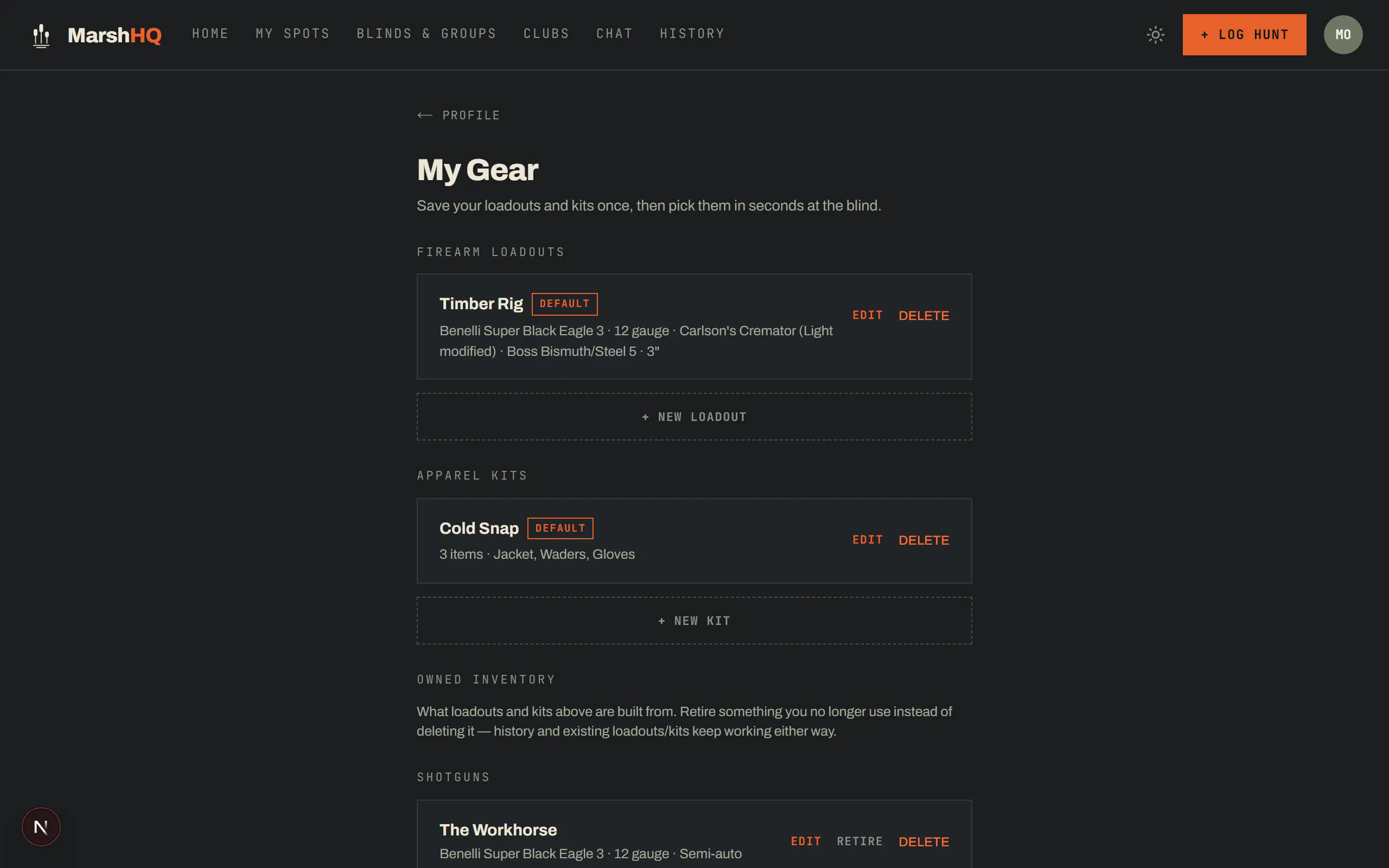
Save a firearm loadout or an apparel kit once, then pick it in seconds when you log a hunt (Hunter Pro). Retire a piece instead of deleting it and your history keeps working. Gear and band records stay visible even if you drop Hunter Pro later — only adding or editing needs the plan.
Decoy setups, remembered
Log the spread with the hunt — species, count, layout — so you can compare what worked next season instead of reconstructing it from memory.
Every band, recovered
Record species, band number, and where it was taken. MarshHQ never files the federal report for you — that still goes through the USGS Bird Banding Lab at reportband.gov — this is your own record of what you found.
Lease groups
Run your lease like a lease
Activate your blind and the roster gets a real calendar — reservations, a waitlist when a morning fills up, and guest limits the group sets. A fair-use tracker keeps blind time honest across the season, and the roster gets its own group chat.
- Calendar, reservations & waitlist for the blind
- Guest limits per reservation, set by the group
- Check a youth hunter onto your reservation so the roster sees who’s coming — the lease decides whether a kid takes a seat like a guest or rides along free
- Fair-use tracker: days hunted per member, compared to the group average
- Roster invites by link or by email; a covered member also gets Hunter Pro’s features
Plans
Free to log. Pay to run a lease or go unlimited.
Free
- Bag-limit warnings & season analytics
- 3 saved spots, plus unlimited public hunting areas
- Join a group’s roster — free
Hunter Pro
- Unlimited saved spots
- Weather saved with every hunt
- Gear, decoy & band tracking
- Warden-ready PDF export
Group
- Calendar, reservations & waitlist
- Fair-use tracking & roster invites
- 6 members included, one payment for the roster
Bag limits and season dates are for reference only and may not reflect the most current regulations. Always verify with USFWS and your state wildlife agency before hunting.