How-to · 15 min
Run a club’s day hunts
Set a blind to day-hunt mode, build packages, add guides, and start taking bookings.
Before you start
- A club, with at least one blind you want to run as individual bookings rather than a season lease
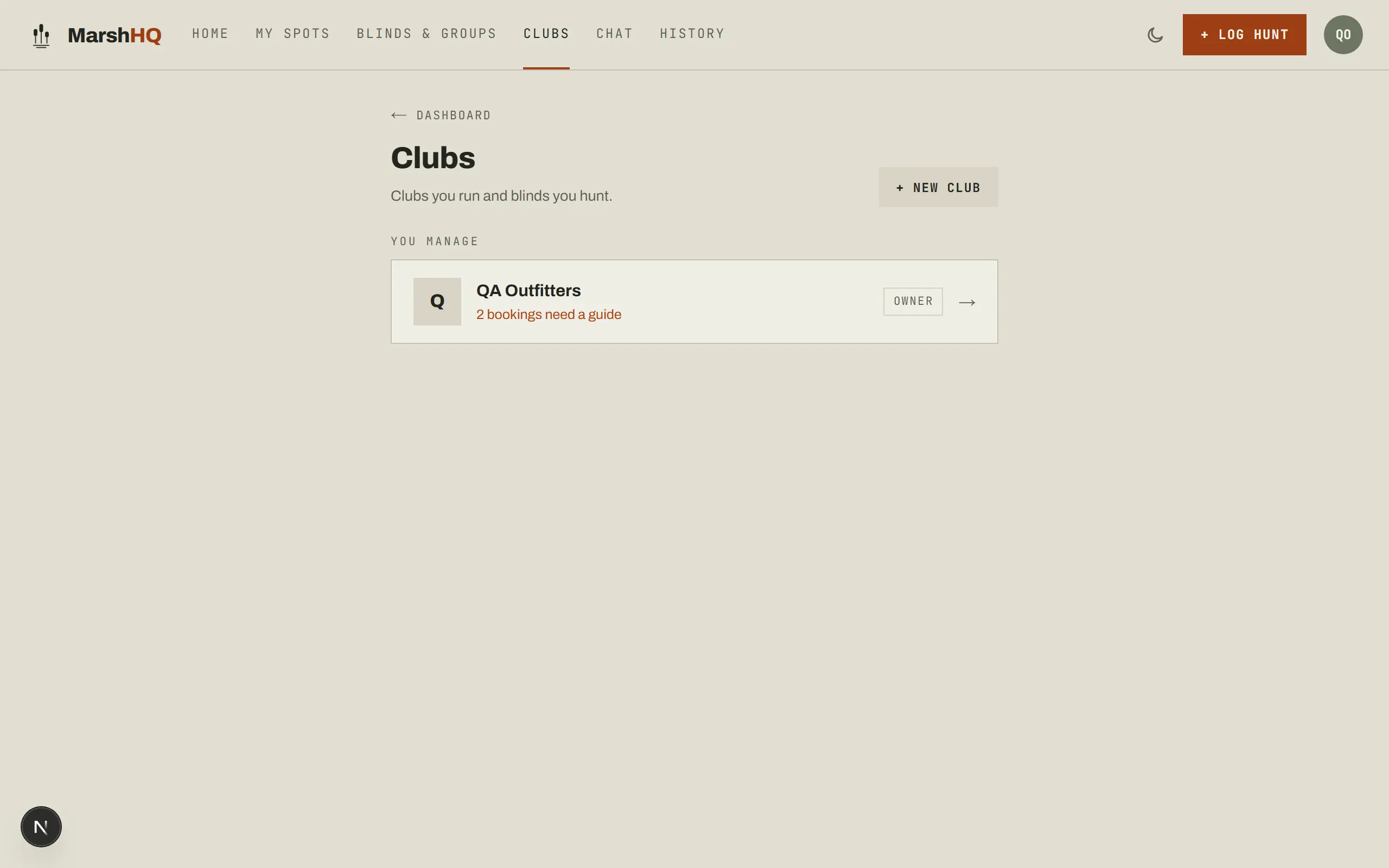
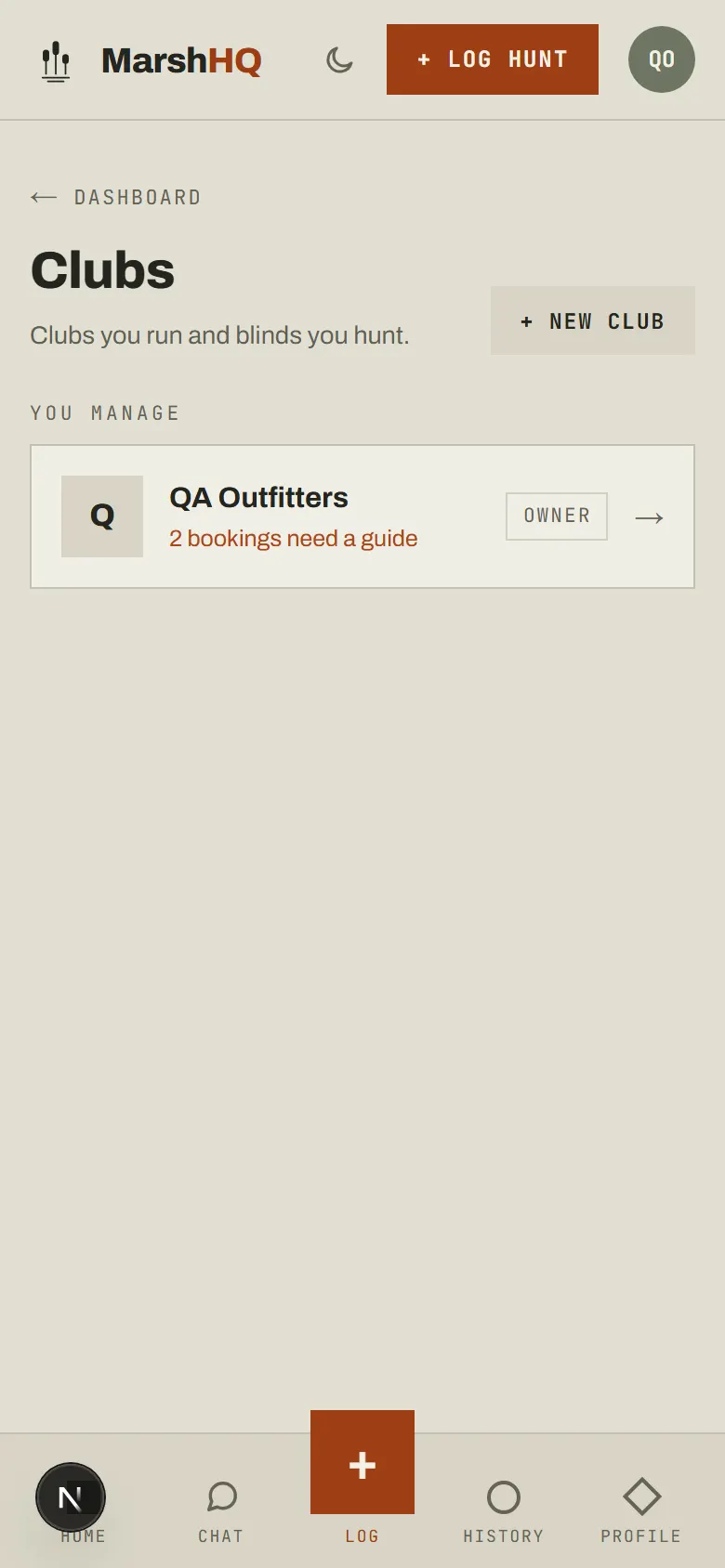
Create your club and add a blind
Create a club, then add a blind to it and set that blind to day-hunt mode rather than season lease — the two run side by side on the same club, so a club can lease some blinds out for the season and run others as day hunts. A free club can run one blind; the Outfit plan unlocks unlimited blinds plus club-level analytics.
Build your hunt packages
A day-hunt blind sells packages, not open reservations: duration (half day, full day, or a custom stay), price per hunter or per blind, an optional guide fee, and a party-size range. Each blind carries its own packages, so a fully guided blind and a self-guided one under the same club can be priced completely differently.
Add your guides
Guides are profiles you manage — name, photo, specialties, whether they run a retriever, and which blinds they work. They don’t need their own MarshHQ account; you assign a guide to each booking yourself.
Take bookings
Three ways to fill the calendar: add a walk-in or phone booking yourself, hold dates directly so they can’t be booked, or turn on member self-booking (off by default) so members can request a hunt — a request isn’t on the calendar until you assign it a blind and confirm it.