How-to · 5 min
Log your first hunt
Date, spot, birds — the personal hunt log end to end, in about the time it takes to walk back to the truck.
Open Log a Hunt
LOG HUNT sits in the header on every screen. If you belong to a lease group with a blind, it first asks whether you’re logging a personal hunt at your own spot or starting a live session at the blind — pick the personal option. If you don’t belong to a group yet, it goes straight to the personal form.
Pick your spot
Choose a spot you’ve already saved, or add one on the spot: drop a GPS pin (or place one manually on the map) and give it a name. If your state has verified public hunting areas in MarshHQ’s catalog, you can search and link one instead — those are shared reference data, so they never count against your saved-spot limit.
Log the date, time, and birds
Set the date and time of day, then tally what you took with the +/− steppers — one row per species, split by drake and hen where that matters. A note is optional; the tally is the only thing that has to be there.
Conditions save automatically — Hunter Pro
MarshHQ looks up the weather for your spot while you fill out the form. On Hunter Pro, it’s saved with the hunt automatically — live conditions for a same-day log, that day’s archive record for a backdated one. On the free plan you still see the live preview, but it isn’t saved with the hunt.
Tip
Logged a hunt before upgrading? Re-saving it on Hunter Pro fills in conditions for any date the weather archive has since caught up on.
Save — and check your log
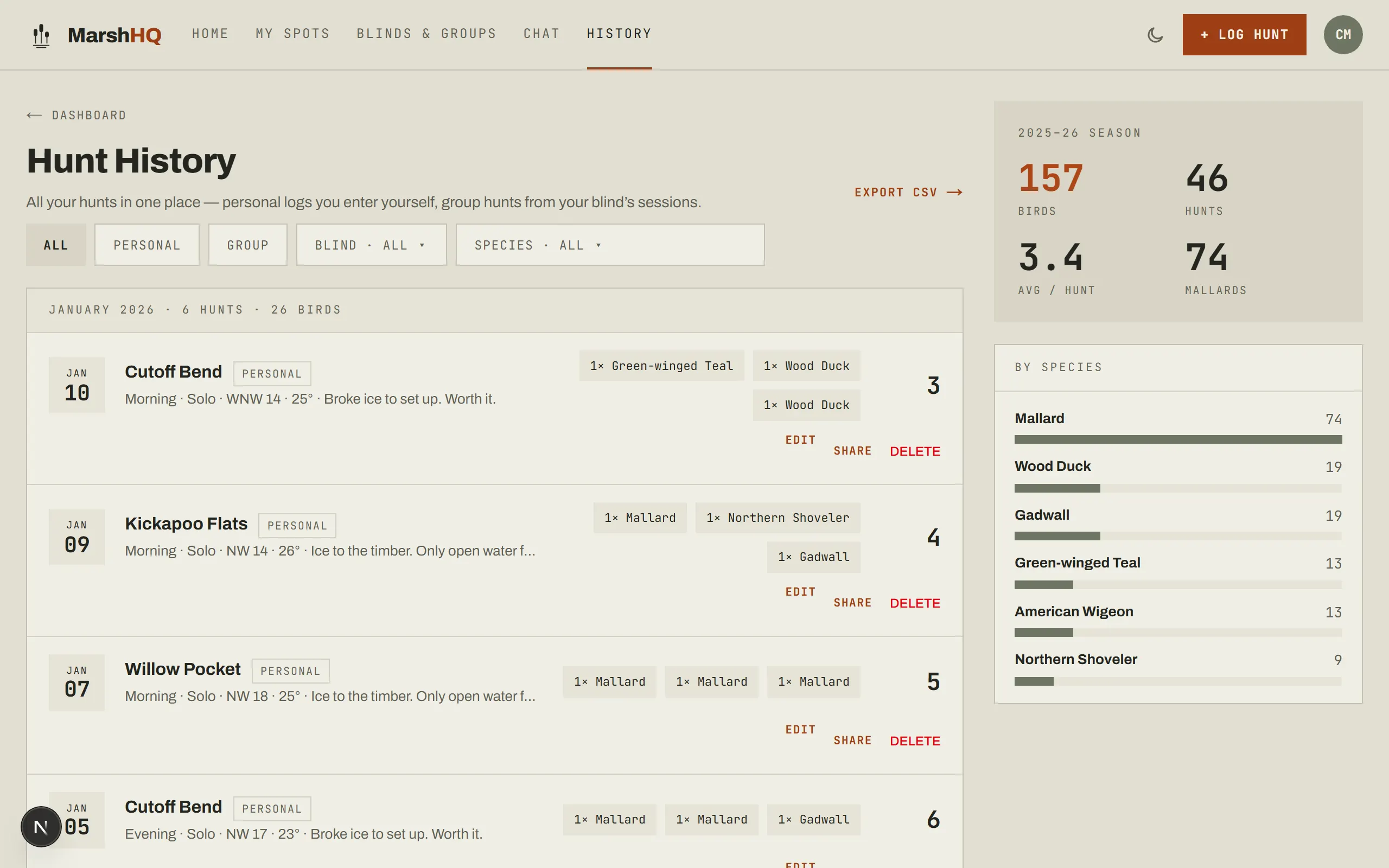
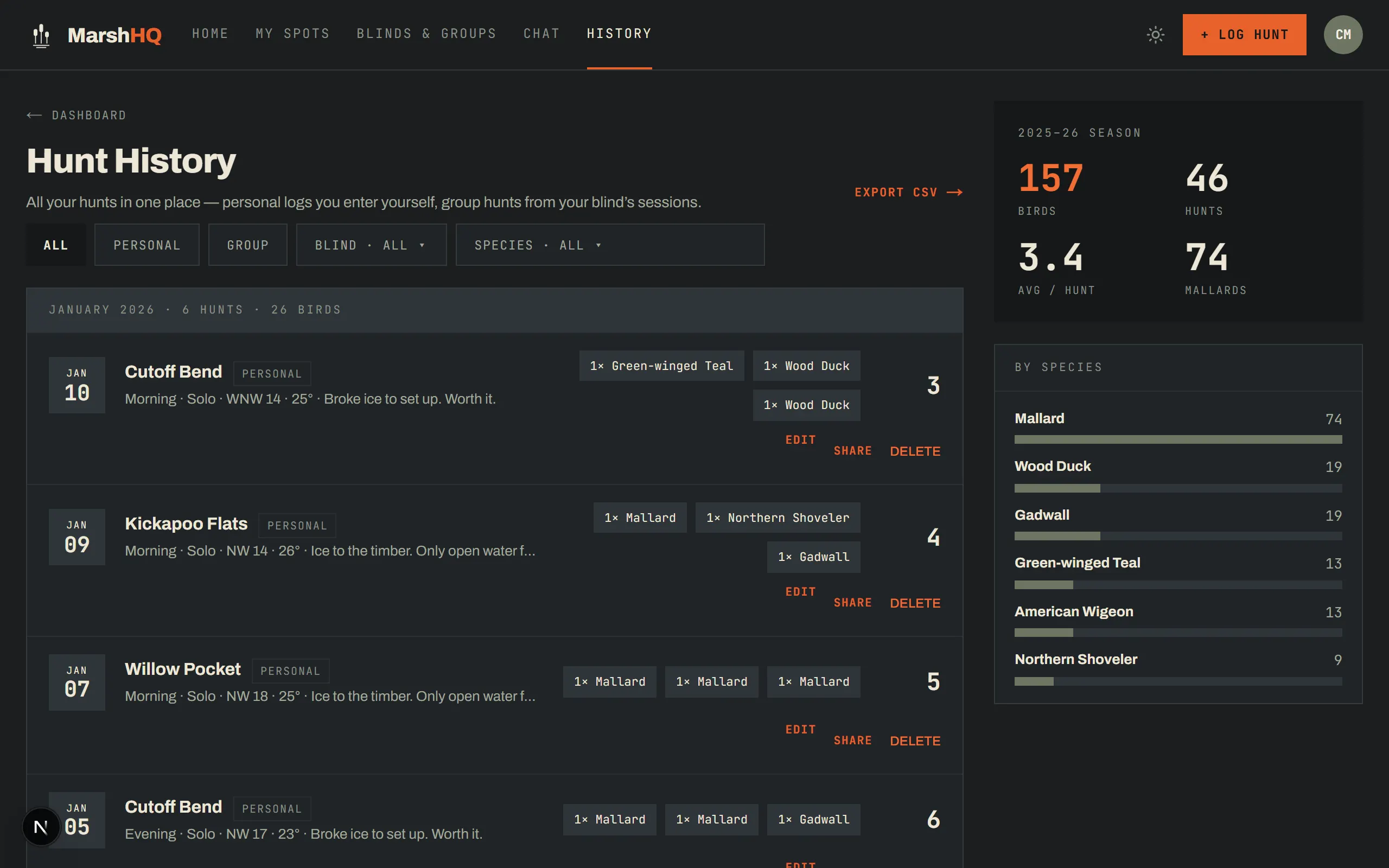
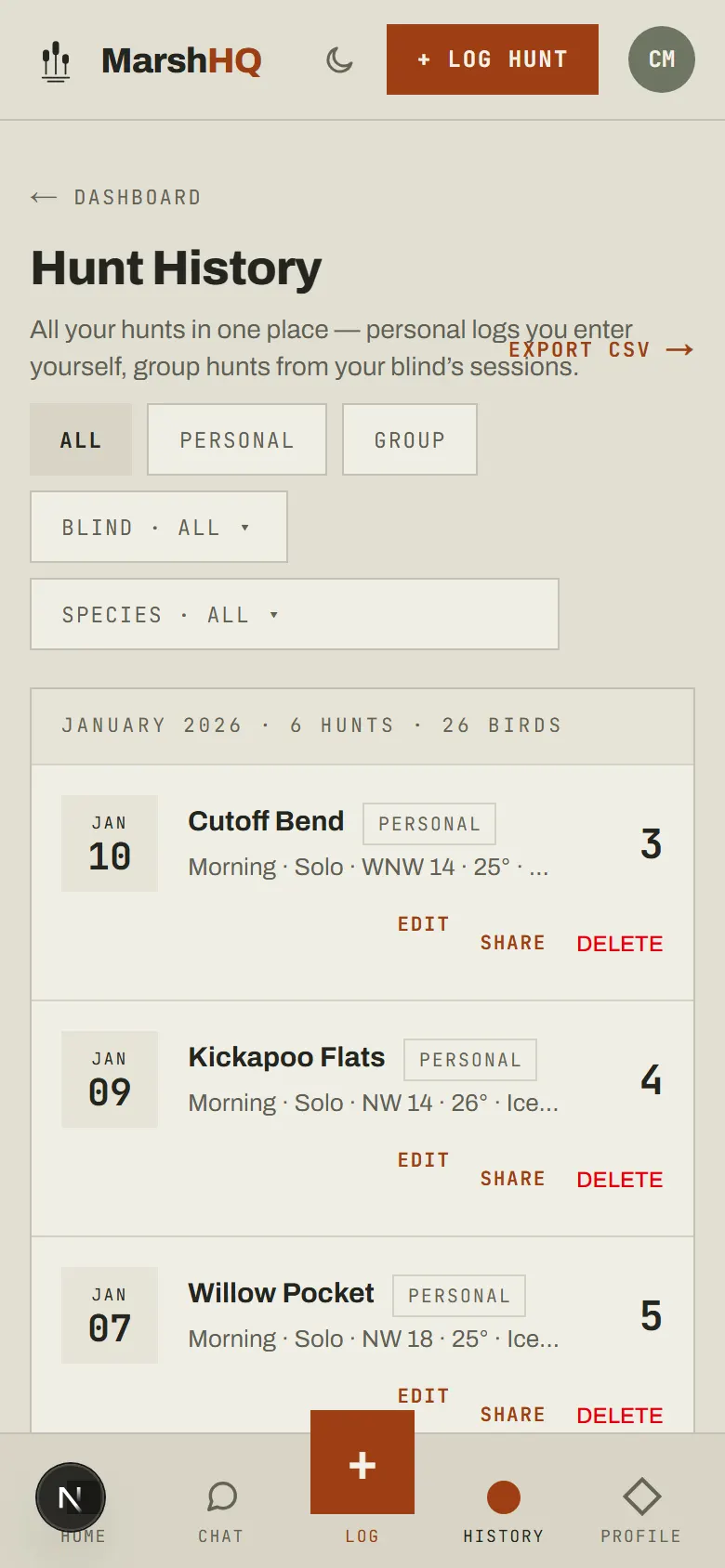
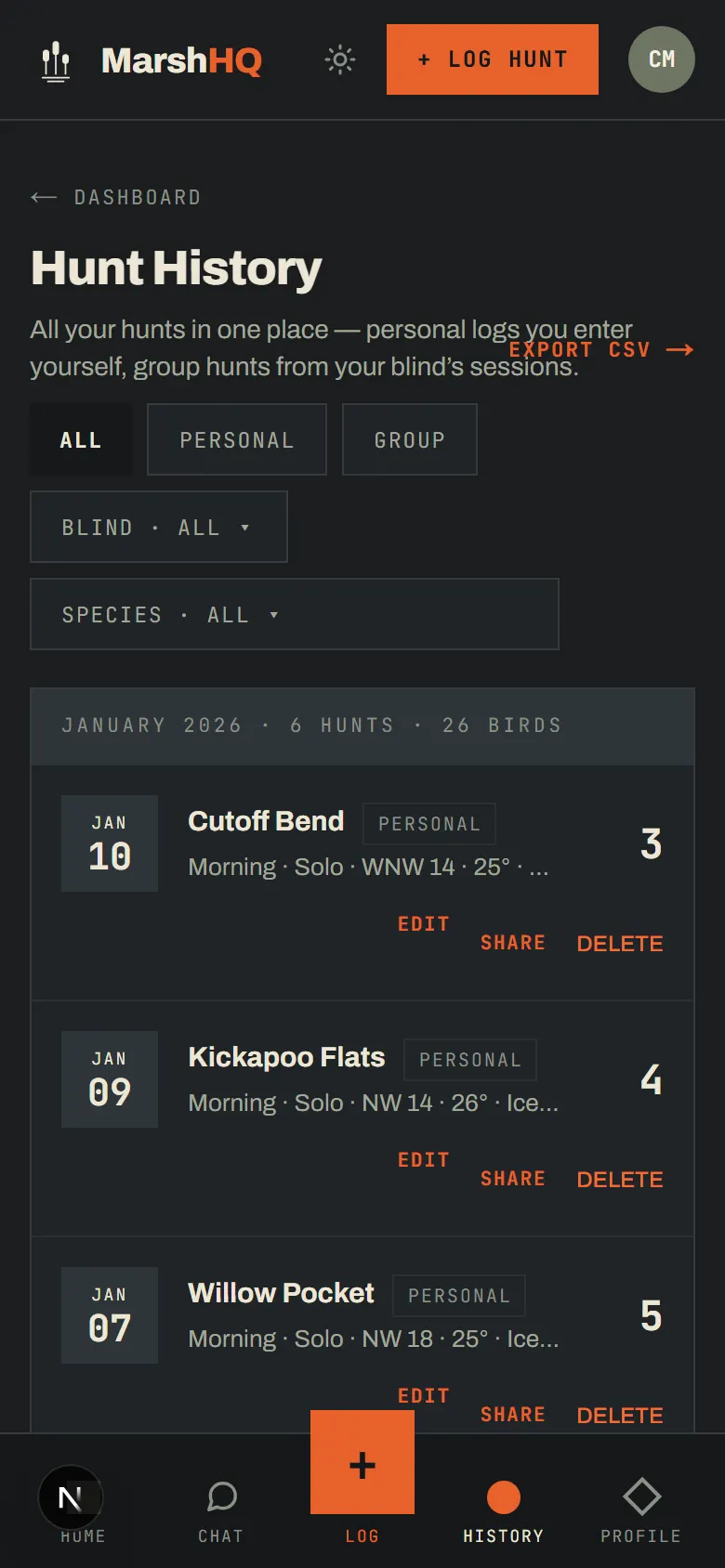
Saving never fails because of a bag limit — the hunt always goes through. If that day’s tally reaches a limit, you’ll see a warning afterward instead of a blocked save. Your hunt lands in History alongside every other hunt you or your groups have logged, with season-to-date totals and a CSV export.
Important
Bag limits and season dates are for reference only and may not reflect the most current regulations. Always verify with USFWS and your state wildlife agency before hunting.